n8n vs Make in 2026: Self-Hosting, AI, Pricing & Workflows Compared
n8n and Make both use node or module-based visual builders, but they target different priorities. Make is a managed cloud platform designed for accessible visual automation; n8n offers deeper technical control and self-hosting.
Quick Comparison
| Factor | n8n | Make |
|---|---|---|
| Cloud entry paid | €20/mo Starter annual billing | $12/mo Core at 10k credits |
| Billing | Workflow executions | Credits/module actions |
| Self-hosting | Yes | No |
| Visual builder | Yes | Yes |
| Technical flexibility | Very high | High |
| Best fit | Developers/technical ops | Visual no-code/low-code teams |
See current n8n pricing and Make pricing.
Self-Hosting
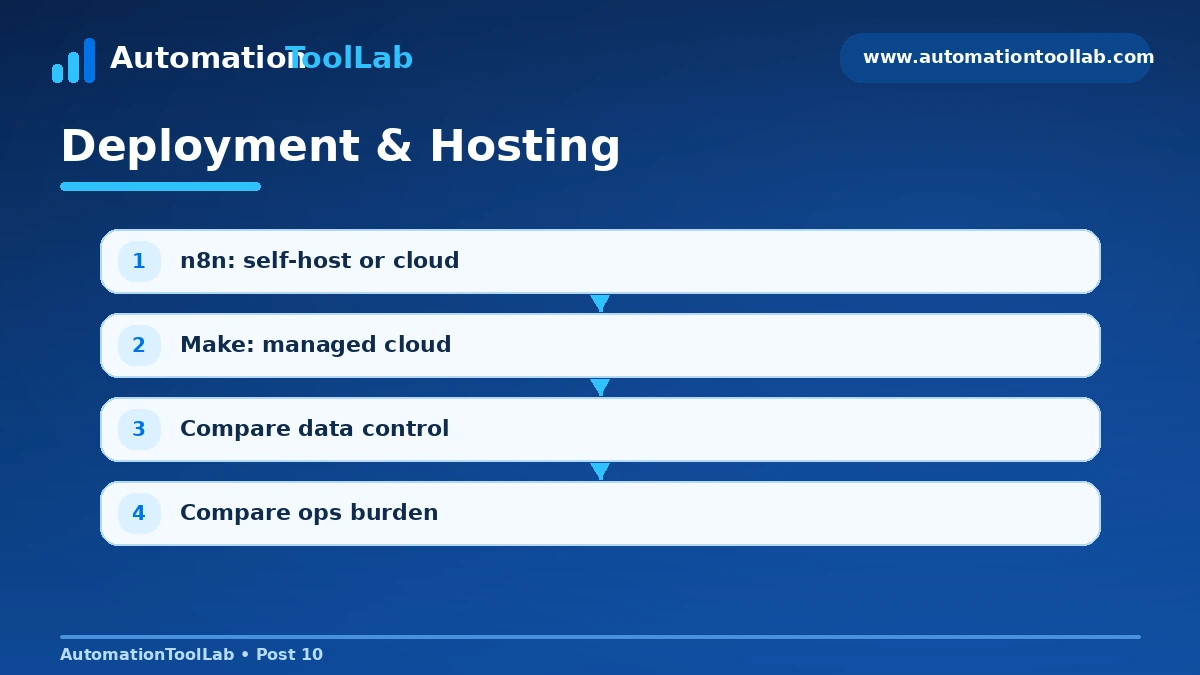
This is the clearest differentiator. If policy, data control or infrastructure requirements demand self-hosting, n8n has the advantage.
Use a representative production workflow when evaluating this factor. Include a real trigger, at least one branch, a transformation step, an external application action, and an error path. That exposes practical differences that feature tables often hide.
Workflow Complexity
Both can build sophisticated automations. n8n tends to feel more natural to technical users who want code, HTTP requests and custom logic; Make makes data routing and transformations extremely visible.
Use a representative production workflow when evaluating this factor. Include a real trigger, at least one branch, a transformation step, an external application action, and an error path. That exposes practical differences that feature tables often hide.
AI Workflows
Both can call AI models and orchestrate AI steps. n8n is attractive when builders want to combine agents, code and custom tools; Make is strong when AI is one module inside a broader visual business scenario.
Use a representative production workflow when evaluating this factor. Include a real trigger, at least one branch, a transformation step, an external application action, and an error path. That exposes practical differences that feature tables often hide.
Pricing at Scale
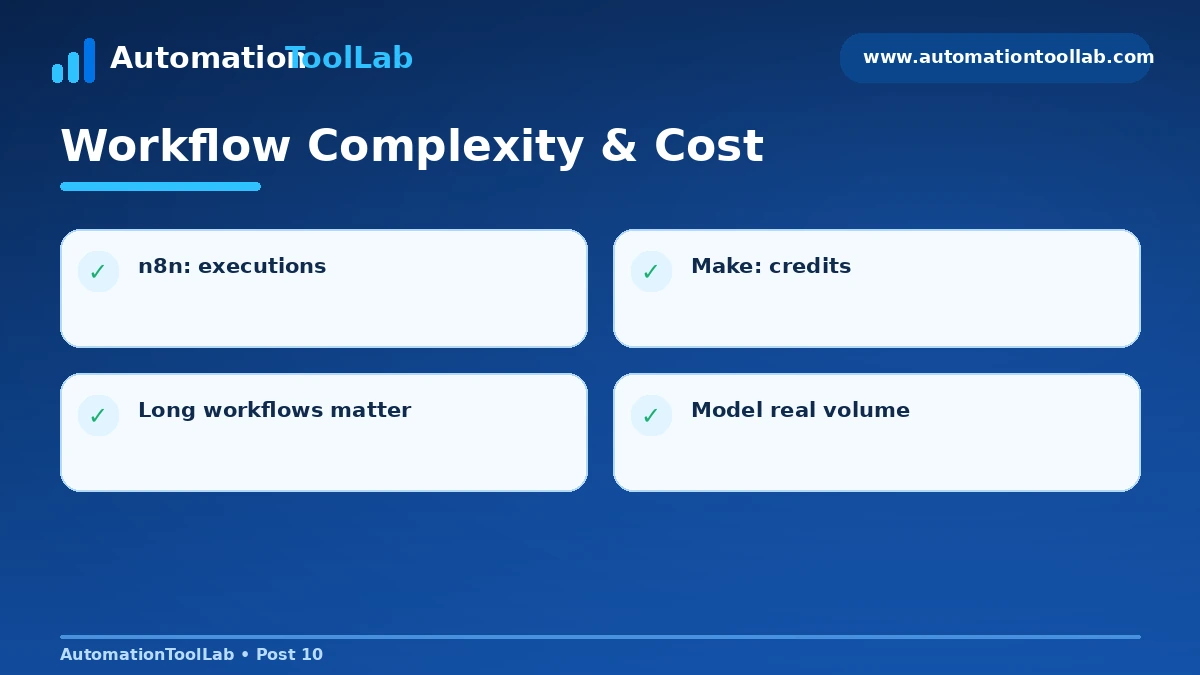
n8n counts executions regardless of how many internal steps are in the workflow, while Make counts credits around module actions. That difference can materially change cost for long workflows.
Use a representative production workflow when evaluating this factor. Include a real trigger, at least one branch, a transformation step, an external application action, and an error path. That exposes practical differences that feature tables often hide.
Learning Curve
Make is usually easier for non-developers. n8n has a steeper curve, but its flexibility becomes valuable as workflows become more technical.
Use a representative production workflow when evaluating this factor. Include a real trigger, at least one branch, a transformation step, an external application action, and an error path. That exposes practical differences that feature tables often hide.
Decision Checklist
- Which platform supports your five must-have applications with the fewest workarounds?
- How does the pricing model behave at your real transaction volume?
- Can the people who own the business process debug the workflow?
- Do you require self-hosting, SSO, audit logs or formal environment separation?
- How are AI outputs validated before an irreversible action?
- What happens when a connector, API or credential fails?
How AutomationToolLab Evaluates Automation Software
We compare platforms by integration coverage, workflow depth, AI capability, deployment model, governance, debugging, maintainability and total operating cost. The best product is the one that solves a real process reliably, not the one with the longest feature list.
Regional Buying Notes
This guide is written primarily for readers in the US, Germany, India, UK and Canada. Check local taxes, billing currency, privacy requirements, data-location needs and support hours before purchase. Self-hosting can matter more in technically sophisticated or regulated environments, while managed cloud tools can reduce operational overhead for smaller teams.
Related AutomationToolLab Guides
- Read related AutomationToolLab guide #7
- Read related AutomationToolLab guide #4
- Read related AutomationToolLab guide #9
Editorial Disclosure
AutomationToolLab is an independent educational site. Product prices, limits and features can change. Verify critical purchasing information on each vendor’s official website before committing to a plan or migrating production workflows.
Implementation Scenarios
For technical teams, agencies and automation consultants, the most useful way to compare n8n and Make is by building the same three workflows: lead intake, a multi-step approval process, and a scheduled reporting workflow. These examples expose differences in connector quality, branching, debugging and cost.
Scenario 1: Lead Intake and Routing
Capture a form submission, normalize fields, enrich the company, check routing rules, write to the CRM and notify the correct salesperson. Measure how many steps the workflow consumes, how easy duplicate handling is, and whether failures are visible to the workflow owner.
Scenario 2: Approval Workflow
Create a workflow that receives a request, validates required fields, routes it according to amount or department, waits for approval, and writes the final decision back to the source system. This shows how each platform handles state, delays, branching and human-in-the-loop steps.
Scenario 3: Daily Operations Report
Schedule a workflow to collect data from two or more systems, transform it into a consistent structure and send a summary to email or chat. Test time zones, missing data, rate limits and retry behavior.
Migration Considerations
If you already have dozens of production automations, migration cost may matter more than subscription price. Inventory every workflow, owner, credential, trigger, destination and dependency before moving. Rebuild the highest-value workflows first, run the old and new versions in parallel where possible, then retire the old flow only after outputs match.
Frequently Asked Questions
Which platform is best for a one-person business?
Choose the platform that makes your common tasks easiest to maintain. A solo business often benefits more from quick setup and predictable debugging than from enterprise governance features.
Which platform is best for agencies?
Agencies should prioritize workspace separation, credential management, reusable templates, client handoff and transparent usage. A technically strong platform may still be a poor agency fit if ownership transfer is difficult.
Should price be the deciding factor?
No. Compare total operating cost: subscription fees, AI usage, time spent debugging, implementation effort and the cost of failed workflows. Reliability and maintainability usually matter more than a small difference in monthly subscription price.
Related Software Guides