n8n Tutorial for Beginners 2026: Build Your First 10 Automations
This n8n tutorial is designed for beginners who want to learn by building ten practical workflows rather than reading a long feature list. By the end, you should understand triggers, nodes, credentials, expressions, webhooks, branching, API calls, AI steps, error handling and reusable sub-workflows.
Choose n8n Cloud or a self-hosted deployment. n8n’s official pricing currently lists Starter at €20/month billed annually for 2,500 workflow executions and Pro at €50/month for 10,000. Check current n8n pricing.
n8n Concepts You Need to Know
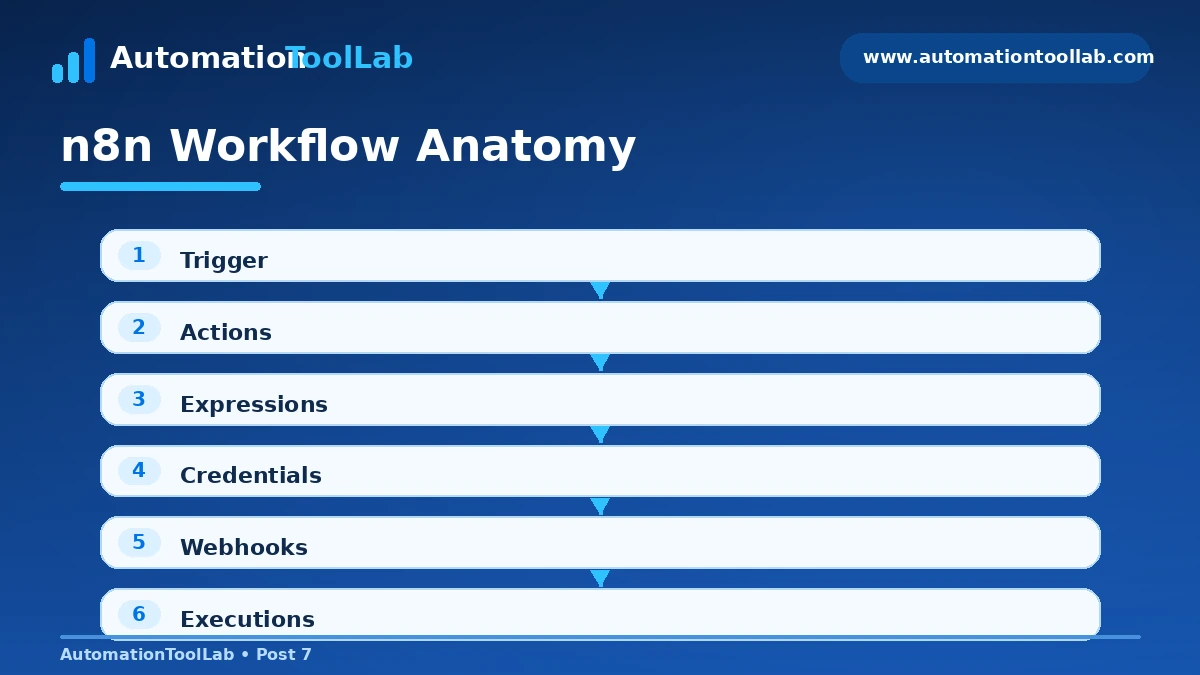
- Trigger nodes start workflows.
- Action nodes perform work.
- Credentials store authenticated connections.
- Expressions map data between nodes.
- Executions show what ran and where errors happened.
- Webhooks let outside systems start workflows.
- Sub-workflows help reuse logic.
Automation 1: Webhook to Slack alert
Learning goal: Learn triggers, webhooks and message mapping. Create a new workflow, add the relevant trigger, connect the destination node, run with test data, inspect every node’s output, then activate only after the test succeeds.
- Start with a small test payload so you can see the data structure clearly.
- Map only the fields the destination actually needs.
- Add a guard or filter for missing data.
- Run at least one failure test before activation.
- Name the nodes so another person can understand the flow later.
Automation 2: Form to Google Sheets
Learning goal: Map fields and create structured records. Create a new workflow, add the relevant trigger, connect the destination node, run with test data, inspect every node’s output, then activate only after the test succeeds.
- Start with a small test payload so you can see the data structure clearly.
- Map only the fields the destination actually needs.
- Add a guard or filter for missing data.
- Run at least one failure test before activation.
- Name the nodes so another person can understand the flow later.
Automation 3: Gmail to task manager
Learning goal: Filter and route incoming email. Create a new workflow, add the relevant trigger, connect the destination node, run with test data, inspect every node’s output, then activate only after the test succeeds.
- Start with a small test payload so you can see the data structure clearly.
- Map only the fields the destination actually needs.
- Add a guard or filter for missing data.
- Run at least one failure test before activation.
- Name the nodes so another person can understand the flow later.
Automation 4: Scheduled daily report
Learning goal: Use Schedule Trigger and aggregation. Create a new workflow, add the relevant trigger, connect the destination node, run with test data, inspect every node’s output, then activate only after the test succeeds.
- Start with a small test payload so you can see the data structure clearly.
- Map only the fields the destination actually needs.
- Add a guard or filter for missing data.
- Run at least one failure test before activation.
- Name the nodes so another person can understand the flow later.
Automation 5: CRM lead enrichment
Learning goal: Transform and enrich lead data. Create a new workflow, add the relevant trigger, connect the destination node, run with test data, inspect every node’s output, then activate only after the test succeeds.
- Start with a small test payload so you can see the data structure clearly.
- Map only the fields the destination actually needs.
- Add a guard or filter for missing data.
- Run at least one failure test before activation.
- Name the nodes so another person can understand the flow later.
Automation 6: HTTP API to database
Learning goal: Call an external API and store results. Create a new workflow, add the relevant trigger, connect the destination node, run with test data, inspect every node’s output, then activate only after the test succeeds.
- Start with a small test payload so you can see the data structure clearly.
- Map only the fields the destination actually needs.
- Add a guard or filter for missing data.
- Run at least one failure test before activation.
- Name the nodes so another person can understand the flow later.
Automation 7: AI classify support ticket
Learning goal: Use an LLM node with constrained labels. Create a new workflow, add the relevant trigger, connect the destination node, run with test data, inspect every node’s output, then activate only after the test succeeds.
- Start with a small test payload so you can see the data structure clearly.
- Map only the fields the destination actually needs.
- Add a guard or filter for missing data.
- Run at least one failure test before activation.
- Name the nodes so another person can understand the flow later.
Automation 8: Branch by priority
Learning goal: Use IF or Switch logic. Create a new workflow, add the relevant trigger, connect the destination node, run with test data, inspect every node’s output, then activate only after the test succeeds.
- Start with a small test payload so you can see the data structure clearly.
- Map only the fields the destination actually needs.
- Add a guard or filter for missing data.
- Run at least one failure test before activation.
- Name the nodes so another person can understand the flow later.
Automation 9: Error workflow
Learning goal: Capture failures and alert an owner. Create a new workflow, add the relevant trigger, connect the destination node, run with test data, inspect every node’s output, then activate only after the test succeeds.
- Start with a small test payload so you can see the data structure clearly.
- Map only the fields the destination actually needs.
- Add a guard or filter for missing data.
- Run at least one failure test before activation.
- Name the nodes so another person can understand the flow later.
Automation 10: Reusable sub-workflow
Learning goal: Modularize logic for maintainability. Create a new workflow, add the relevant trigger, connect the destination node, run with test data, inspect every node’s output, then activate only after the test succeeds.
- Start with a small test payload so you can see the data structure clearly.
- Map only the fields the destination actually needs.
- Add a guard or filter for missing data.
- Run at least one failure test before activation.
- Name the nodes so another person can understand the flow later.
Beginner Mistakes to Avoid
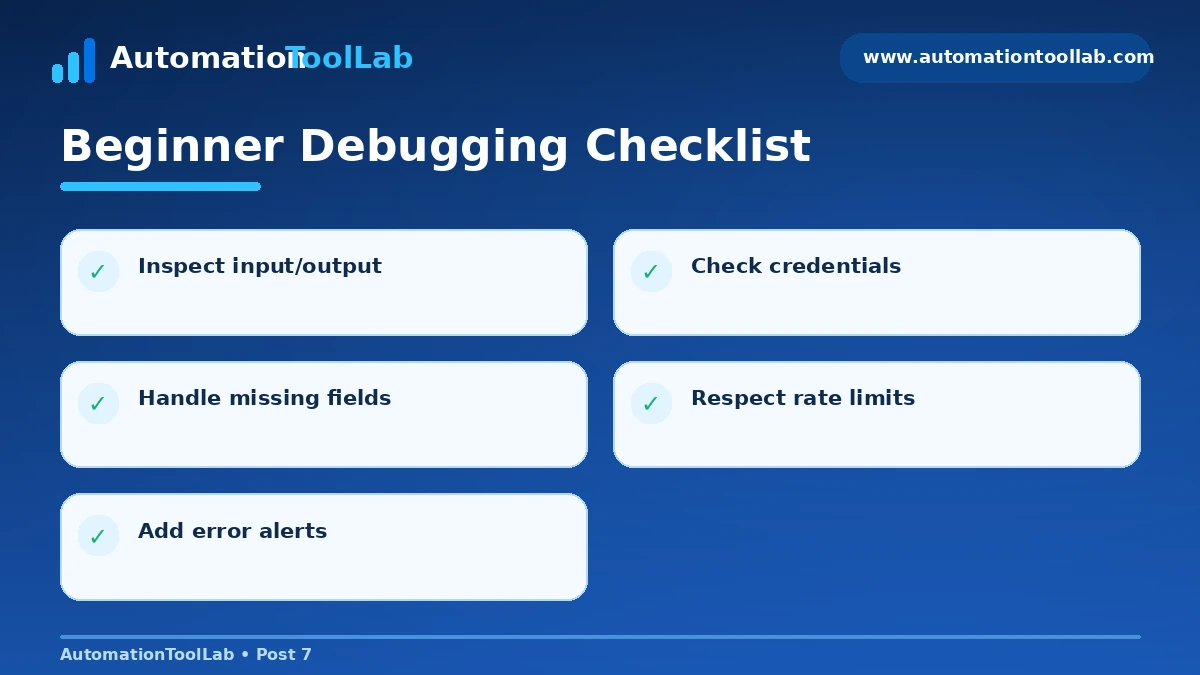
- Activating before testing edge cases.
- Hard-coding secrets in nodes.
- Ignoring retries and rate limits.
- Building one giant workflow instead of reusable modules.
- Using AI output without validation for high-impact actions.
How AutomationToolLab Evaluates Automation Software
We compare platforms by integration coverage, workflow depth, AI capability, deployment model, governance, debugging, maintainability and total operating cost. The best product is the one that solves a real process reliably, not the one with the longest feature list.
Regional Buying Notes
This guide is written primarily for readers in the US, India, UK, Germany and Canada. Check local taxes, billing currency, privacy requirements, data-location needs and support hours before purchase. Self-hosting can matter more in technically sophisticated or regulated environments, while managed cloud tools can reduce operational overhead for smaller teams.
Related AutomationToolLab Guides
- Read related AutomationToolLab guide #2
- Read related AutomationToolLab guide #4
- Read related AutomationToolLab guide #10
Editorial Disclosure
AutomationToolLab is an independent educational site. Product prices, limits and features can change. Verify critical purchasing information on each vendor’s official website before committing to a plan or migrating production workflows.
Related Software Guides