
Make Pricing in 2027: Free, Core, Pro, Teams, Credits and Real Costs
Understand Make pricing for 2027, including Free, Core, Pro, Teams, credits, extra usage, AI costs and real automation expenses worldwide.
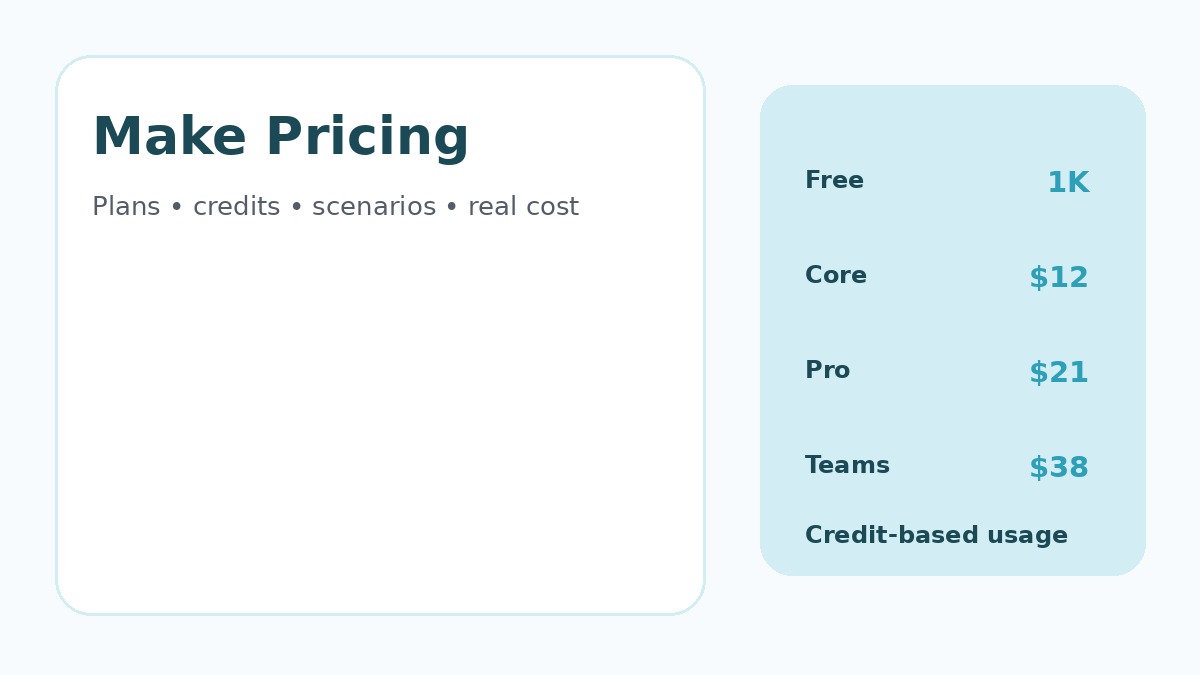
Make pricing is based on credits. Most standard module actions consume a credit, while some AI and code capabilities can consume more. That makes scenario design, record volume and execution behavior central to the real monthly cost.
Make currently offers Free, Core, Pro, Teams and Enterprise plans. Its visual scenario builder is popular with users who want detailed routing and transformations, but the most economical tier depends on credits, collaboration and governance requirements.
Pricing and plan details were checked against official vendor pages in November 2026. Vendors can change prices, limits, taxes and promotions, so verify current terms before purchasing.
Make Pricing at a Glance
| Plan | Current reviewed price | Best fit |
|---|---|---|
| Free | $0 with up to 1,000 credits/month | Learning the platform and light workflows |
| Core | $12/month at 10,000 credits on the reviewed page | Small-business production automation |
| Pro | $21/month at 10,000 credits | Advanced execution and stronger logs |
| Teams | $38/month at 10,000 credits | Collaborative automation with team roles |
| Enterprise | Custom pricing | Security, support and large-scale governance |
What Is a Make Credit?
Make explains that a module action typically consumes a credit. Reading a record, searching, creating data, updating data, deleting data and many transformations can each consume credits. Some advanced AI or code features use different rates.
A scenario that processes one record through eight billable module actions can use roughly eight credits for that record. Multiply the module path by expected monthly volume to estimate usage.
Make Free Plan
The Free plan includes up to 1,000 credits per month, access to the visual workflow builder and thousands of applications, with a 15-minute minimum interval for scheduled scenarios. It is useful for learning Make and testing small workflows.
For production use, the main limitation is volume. A scenario that runs frequently or processes many records can consume 1,000 credits quickly.
Make Core Pricing
Core currently costs $12 per month at the 10,000-credit configuration shown on Make’s pricing page. It adds unlimited active scenarios, scheduling down to the minute, higher data transfer and Make API access.
Core is a logical starting point for many small-business workflows. Estimate not only how many times the scenario starts, but also how many records and actions it processes.
Make Pro Pricing
Pro currently costs $21 per month at 10,000 credits. It adds priority scenario execution, custom variables and full-text execution-log search.
Those operational features become valuable when employees need to diagnose specific records quickly. Better observability can save more staff time than the difference in subscription price.
Make Teams Pricing
Teams currently costs $38 per month at 10,000 credits and adds team roles plus shared scenario templates. It is designed for organizations where several people build and maintain automations.
Shared governance reduces dependency on individual employee accounts and makes it easier to maintain common standards for connections, scenario names and templates.
Make Enterprise Pricing
Enterprise uses custom pricing and adds advanced security, enterprise applications, higher support levels and governance capabilities. Large organizations should evaluate audit logs, custom roles, on-prem connectivity, API limits and support requirements.
How Credit Usage Scales
| Scenario | Typical module pattern | Cost behavior |
|---|---|---|
| Simple notification | Trigger plus one action | Very low credit use |
| CRM synchronization | Search + transform + update + log | Several credits per record |
| Ecommerce routing | Multiple searches, writes and notifications | Can scale quickly with order volume |
| AI enrichment | Data retrieval + AI action + CRM update | Platform credits plus possible model cost |
| Batch processing | Repeated modules across many records | Potentially thousands of credits per run |
Extra Credits and What Happens When You Run Out
Make allows paid users to purchase extra credits and provides automatic extra-credit options on eligible plans. When the allowance is exhausted, scenarios can stop until credits are added or the plan changes.
Teams should monitor usage before critical queues build up. Budget alerts, execution logs and scenario monitoring are part of reliable automation operations.
Make Code and AI Costs
Make’s pricing documentation notes that code execution can consume credits based on runtime, while AI-provider features may have their own usage behavior. Paid plans can also connect external AI providers, creating separate model-provider charges.
Separate automation-platform cost from model cost when budgeting AI workflows. A scenario can be inexpensive in Make credits while still generating significant external model usage.
When Make Is Good Value
Make can be cost-effective when visual routing, transformations and scenario control reduce the need for custom code. It is attractive to teams that want more detailed data-flow control than a simple trigger-action interface provides.
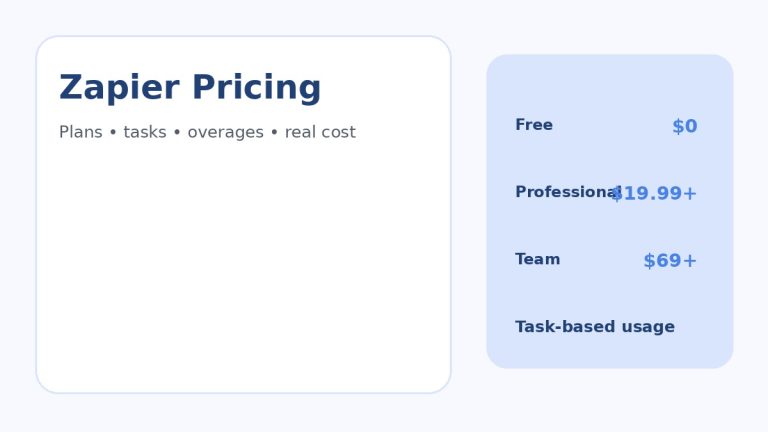
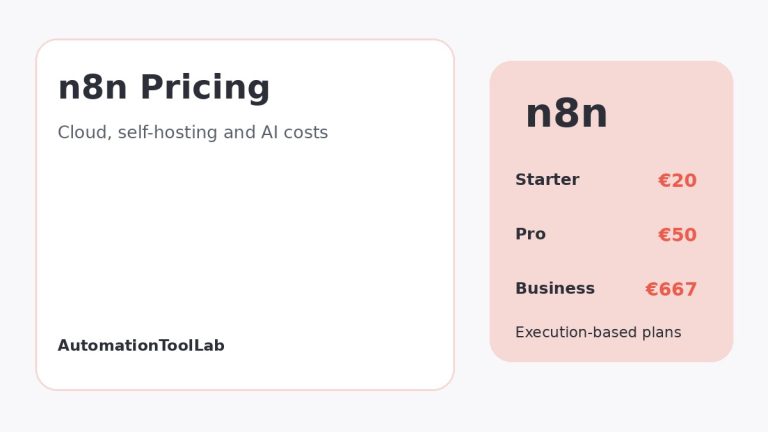
AutomationToolLab already compares Make vs Zapier and n8n vs Make.
When Make Can Become Expensive
- Scenarios processing very large numbers of records.
- Workflows that repeatedly search and rewrite the same data.
- Poor filters that allow unnecessary records through expensive branches.
- High AI or code usage.
- Teams running duplicate scenarios instead of sharing common logic.
How to Reduce Make Credit Usage
- Filter early so irrelevant records do not travel through the full scenario.
- Batch data where the destination supports bulk operations.
- Avoid repeated searches when the result can be reused safely.
- Review high-volume scenarios every month.
- Use error handlers to prevent uncontrolled retry loops.
- Track external AI-provider usage separately.
Make vs Zapier vs n8n Pricing
Make uses credits for module actions, Zapier primarily uses task-based pricing, and n8n cloud pricing focuses on workflow executions. A complex workflow can therefore have very different economics across the three platforms.
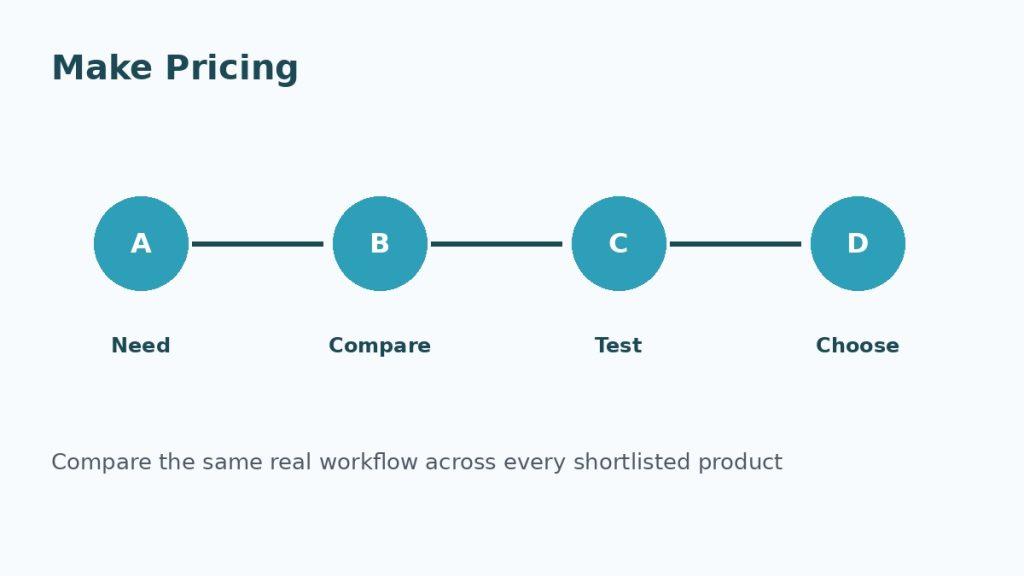
The correct comparison uses the same production workflow and monthly input volume. Run the numbers using real modules, actions and executions rather than comparing only the cheapest plan labels.
Regional Pricing Considerations
The reviewed Make pricing page displays US-dollar pricing for the selected configuration. Taxes and exchange rates vary. UK, Canadian, Indian, German and French businesses should verify VAT or GST handling and final checkout totals.
Frequently Asked Questions
Is Make free?
Yes. Make currently offers a Free plan with up to 1,000 credits per month.
How much does Make Core cost?
The pricing page currently shows $12 per month for Core at a 10,000-credit monthly configuration.
Does every module use one credit?
Many standard actions use one credit, but some advanced features such as certain AI or code operations may consume credits differently.
Final Recommendation
Make pricing is predictable when you understand the module path and monthly record volume. Core is a sensible production starting point for many businesses, Pro adds operational controls and Teams improves collaboration. Build one representative scenario, measure its credit consumption and budget from real usage.
How to Test Before You Buy
Do not make the decision from a feature page alone. Use representative business data, invite the people who will actually use the product and reproduce one or two workflows that matter. Test permissions, imports, exports, notifications, integrations and failure handling. If automation is involved, intentionally create one failed run and confirm that the product makes the problem understandable.
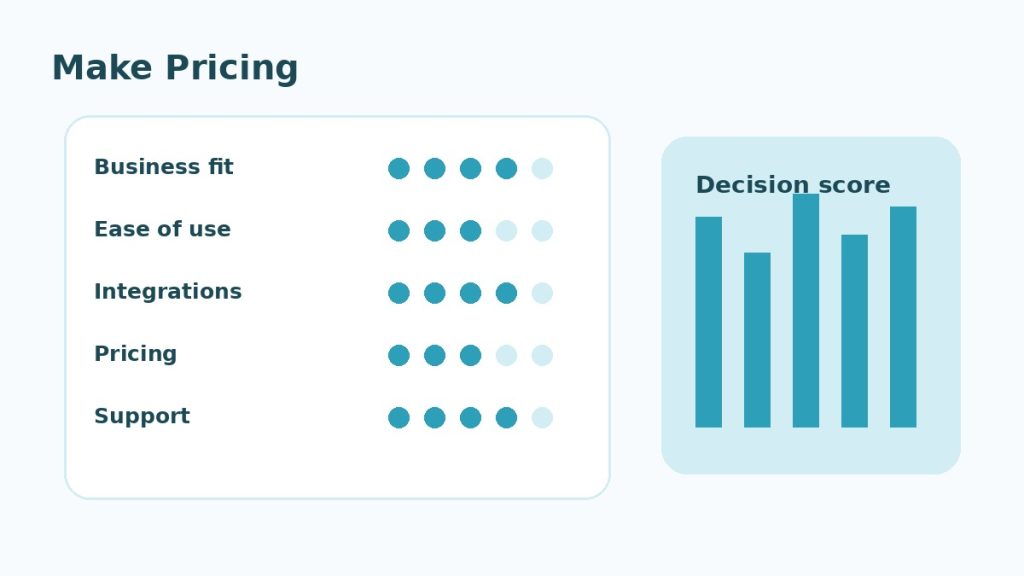
Use the same scorecard for every candidate. Record business fit, ease of use, integration quality, reporting, security, support and total expected cost. This prevents a polished demo or temporary discount from outweighing the practical requirements that will matter after the first month.
Governance and Ongoing Maintenance
Assign an owner for billing, permissions, configuration and integrations. Review user access regularly, remove unused connections and document changes to workflows that affect customers, revenue or important records. A useful software stack becomes difficult to manage when nobody knows who owns a critical integration or why a particular setting exists.
Also plan for portability. Confirm that important records, templates, reports and configuration data can be exported in a usable format. This matters for global teams because privacy, tax, language, support and data-location requirements can change as the business expands.
Monthly Make Credit Review
Review the scenarios consuming the most credits and compare that usage with business value. Look for repeated searches, unnecessary transformations and records that could have been filtered earlier. Optimization should preserve clarity; a scenario that saves a few credits but becomes impossible to maintain may cost more in staff time.
Keep a reserve for seasonal volume, retries and new automations. Production workloads rarely match a perfectly flat monthly forecast.
Monthly Make Credit Review
Review the scenarios consuming the most credits and compare that usage with business value. Look for repeated searches, unnecessary transformations and records that could have been filtered earlier. Optimization should preserve clarity; a scenario that saves a few credits but becomes impossible to maintain may cost more in staff time.
Keep a reserve for seasonal volume, retries and new automations. Production workloads rarely match a perfectly flat monthly forecast.
Monthly Make Credit Review
Review the scenarios consuming the most credits and compare that usage with business value. Look for repeated searches, unnecessary transformations and records that could have been filtered earlier. Optimization should preserve clarity; a scenario that saves a few credits but becomes impossible to maintain may cost more in staff time.
Keep a reserve for seasonal volume, retries and new automations. Production workloads rarely match a perfectly flat monthly forecast.
Monthly Make Credit Review
Review the scenarios consuming the most credits and compare that usage with business value. Look for repeated searches, unnecessary transformations and records that could have been filtered earlier. Optimization should preserve clarity; a scenario that saves a few credits but becomes impossible to maintain may cost more in staff time.
Keep a reserve for seasonal volume, retries and new automations. Production workloads rarely match a perfectly flat monthly forecast.
Monthly Make Credit Review
Review the scenarios consuming the most credits and compare that usage with business value. Look for repeated searches, unnecessary transformations and records that could have been filtered earlier. Optimization should preserve clarity; a scenario that saves a few credits but becomes impossible to maintain may cost more in staff time.
Keep a reserve for seasonal volume, retries and new automations. Production workloads rarely match a perfectly flat monthly forecast.
Monthly Make Credit Review
Review the scenarios consuming the most credits and compare that usage with business value. Look for repeated searches, unnecessary transformations and records that could have been filtered earlier. Optimization should preserve clarity; a scenario that saves a few credits but becomes impossible to maintain may cost more in staff time.
Keep a reserve for seasonal volume, retries and new automations. Production workloads rarely match a perfectly flat monthly forecast.
Monthly Make Credit Review
Review the scenarios consuming the most credits and compare that usage with business value. Look for repeated searches, unnecessary transformations and records that could have been filtered earlier. Optimization should preserve clarity; a scenario that saves a few credits but becomes impossible to maintain may cost more in staff time.
Keep a reserve for seasonal volume, retries and new automations. Production workloads rarely match a perfectly flat monthly forecast.
Monthly Make Credit Review
Review the scenarios consuming the most credits and compare that usage with business value. Look for repeated searches, unnecessary transformations and records that could have been filtered earlier. Optimization should preserve clarity; a scenario that saves a few credits but becomes impossible to maintain may cost more in staff time.
Keep a reserve for seasonal volume, retries and new automations. Production workloads rarely match a perfectly flat monthly forecast.
Monthly Make Credit Review
Review the scenarios consuming the most credits and compare that usage with business value. Look for repeated searches, unnecessary transformations and records that could have been filtered earlier. Optimization should preserve clarity; a scenario that saves a few credits but becomes impossible to maintain may cost more in staff time.
Keep a reserve for seasonal volume, retries and new automations. Production workloads rarely match a perfectly flat monthly forecast.
Monthly Make Credit Review
Review the scenarios consuming the most credits and compare that usage with business value. Look for repeated searches, unnecessary transformations and records that could have been filtered earlier. Optimization should preserve clarity; a scenario that saves a few credits but becomes impossible to maintain may cost more in staff time.
Keep a reserve for seasonal volume, retries and new automations. Production workloads rarely match a perfectly flat monthly forecast.
Monthly Make Credit Review
Review the scenarios consuming the most credits and compare that usage with business value. Look for repeated searches, unnecessary transformations and records that could have been filtered earlier. Optimization should preserve clarity; a scenario that saves a few credits but becomes impossible to maintain may cost more in staff time.
Keep a reserve for seasonal volume, retries and new automations. Production workloads rarely match a perfectly flat monthly forecast.
Monthly Make Credit Review
Review the scenarios consuming the most credits and compare that usage with business value. Look for repeated searches, unnecessary transformations and records that could have been filtered earlier. Optimization should preserve clarity; a scenario that saves a few credits but becomes impossible to maintain may cost more in staff time.
Keep a reserve for seasonal volume, retries and new automations. Production workloads rarely match a perfectly flat monthly forecast.
Monthly Make Credit Review
Review the scenarios consuming the most credits and compare that usage with business value. Look for repeated searches, unnecessary transformations and records that could have been filtered earlier. Optimization should preserve clarity; a scenario that saves a few credits but becomes impossible to maintain may cost more in staff time.
Keep a reserve for seasonal volume, retries and new automations. Production workloads rarely match a perfectly flat monthly forecast.
Monthly Make Credit Review
Review the scenarios consuming the most credits and compare that usage with business value. Look for repeated searches, unnecessary transformations and records that could have been filtered earlier. Optimization should preserve clarity; a scenario that saves a few credits but becomes impossible to maintain may cost more in staff time.
Keep a reserve for seasonal volume, retries and new automations. Production workloads rarely match a perfectly flat monthly forecast.
Monthly Make Credit Review
Review the scenarios consuming the most credits and compare that usage with business value. Look for repeated searches, unnecessary transformations and records that could have been filtered earlier. Optimization should preserve clarity; a scenario that saves a few credits but becomes impossible to maintain may cost more in staff time.
Keep a reserve for seasonal volume, retries and new automations. Production workloads rarely match a perfectly flat monthly forecast.
Related Software Guides