
Zapier Pricing in 2027: Free, Professional, Team and Real Task Costs
Understand Zapier pricing for 2027, including Free, Professional, Team, Enterprise, task limits, overages and real automation costs today.
Zapier pricing is built around task usage. The platform is easy to start with, but businesses need to understand what counts as a task, how multi-step automations consume usage and what happens when the account exceeds its included allowance.
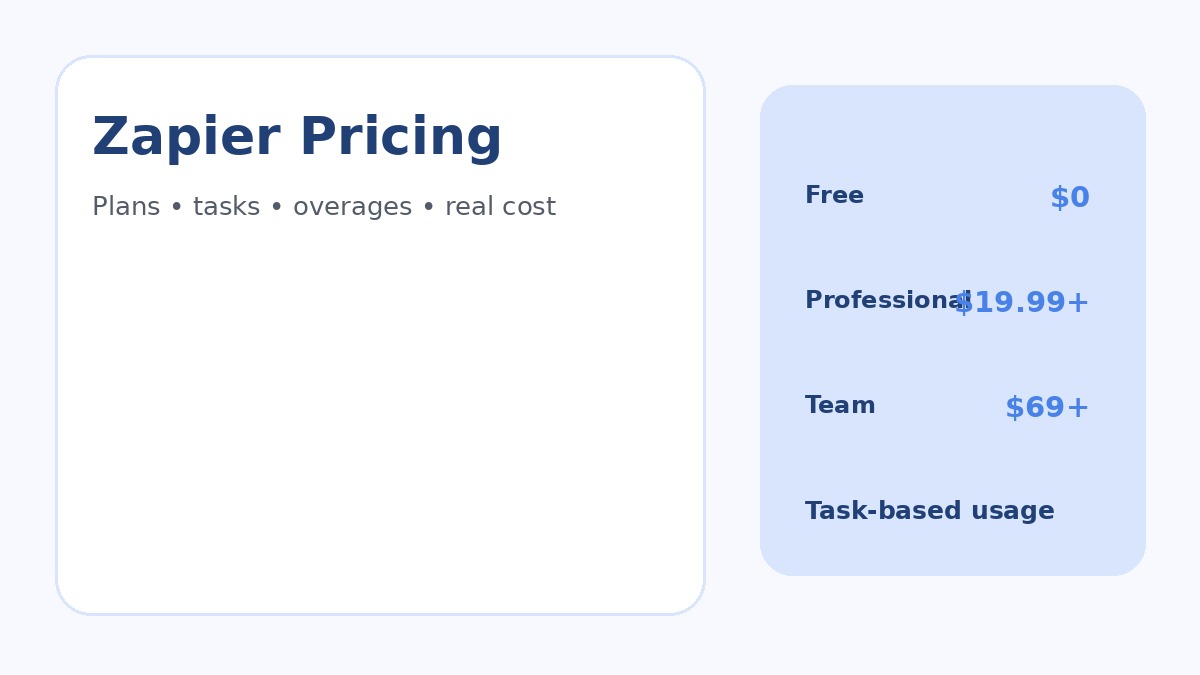
Zapier’s current pricing page lists Free, Professional, Team and Enterprise plans. Paid prices vary with task volume and billing cadence, so the useful comparison is cost per completed business outcome rather than only the cheapest headline subscription.
Pricing and plan details were checked against official vendor pages in November 2026. Vendors can change prices, limits, taxes and promotions, so verify current terms before purchasing.
Zapier Pricing at a Glance
| Plan | Current starting point | Best fit |
|---|---|---|
| Free | $0/month with 100 tasks/month | Testing simple two-step automations |
| Professional | From $19.99/month on the reviewed page | Individuals and small businesses needing multi-step Zaps |
| Team | From $69/month | Shared automation, connections and governance |
| Enterprise | Custom pricing | Advanced administration, observability and support |
What Counts as a Zapier Task?
Zapier explains that successful actions and many external connector calls consume tasks. Checking for new data does not itself count as a task. Several built-in tools, including Filters, Formatter, Paths and other Zapier utilities, do not consume standard tasks in the same way.
Task economics therefore depend on workflow design. If one form submission causes a CRM record, email alert, project task and spreadsheet row, the workflow can consume several tasks for a single business event.
Zapier Free Plan
The current Free plan includes 100 tasks per month, unlimited Zaps, Tables and Forms, and simple two-step Zaps. It is useful for learning the platform and validating a small workflow, not for a busy production process.
Use the free tier to test authentication, field mapping and basic logic. If the automation proves valuable, estimate real monthly task usage before moving it into production.
Zapier Professional Pricing
Professional currently starts at $19.99 per month on Zapier’s pricing page. It unlocks multi-step Zaps, premium apps, webhooks and additional platform features. The final price changes with the selected task tier and billing option.
This is the practical starting point for many small businesses because useful workflows usually perform several actions. Count successful actions per run and multiply by expected monthly runs.
Zapier Team Pricing
Team currently starts at $69 per month and is designed for collaborative automation. It includes shared Zaps, folders, app connections, SAML SSO and priority support, with support for multiple users.
The main value is governance. Shared ownership reduces the risk that a critical automation breaks because one employee leaves, changes a password or disconnects a personal account.
Zapier Enterprise Pricing
Enterprise uses custom pricing and adds stronger administration, deployment, observability and support. Larger organizations should evaluate identity management, annual task commitments, app controls, audit requirements and how Zapier fits internal security policies.
How Overage and Pay-Per-Task Billing Work
Zapier can continue with pay-per-task usage when included limits are reached, depending on account settings. Pay-per-task usage is more expensive than included subscription tasks. Businesses should configure alerts and decide whether critical workflows should continue or pause when the budget is exceeded.
Real Zapier Cost Patterns
| Workflow | Example actions | Usage pattern |
|---|---|---|
| Lead form to CRM | Create CRM record + notify sales | Several tasks per successful lead |
| Ecommerce order routing | Update CRM + sheet + project + message | Multiple tasks per order |
| Support triage | Create ticket + AI classification + update customer record | Usage depends on actions and AI calls |
| Content approval | Create task + notify reviewer + update database | Multiple tasks per content item |
When Zapier Is Good Value
Zapier can be excellent value when speed, connector breadth and ease of maintenance matter more than minimizing every unit of automation cost. Small teams can build reliable workflows without operating their own infrastructure.
AutomationToolLab’s Zapier for Small Business guide provides workflow ideas, while Best Zapier Alternatives covers competing platforms.
When Zapier Can Become Expensive
- High-volume workflows with many billable actions.
- Automations that process every small update instead of batching work.
- Duplicate triggers or uncontrolled retry loops.
- AI or code steps whose usage grows beyond the initial estimate.
- Several teams building overlapping automations without governance.
Zapier vs Make vs n8n Pricing Models
Zapier is primarily task-based. Make uses credits for module actions and some advanced features. n8n cloud pricing focuses on workflow executions rather than each internal step. The cheapest option therefore depends on the shape of the workload.
See AutomationToolLab’s n8n vs Zapier vs Make comparison and n8n pricing guide.
How to Choose the Right Zapier Plan
- List production workflows and expected monthly runs.
- Count billable actions in each successful run.
- Add a reasonable buffer for growth and retries.
- Decide whether shared connections and team governance are required.
- Configure usage alerts before launch.
- Review real task consumption after the first month.
Regional Pricing Considerations
Zapier supports different currency options, but taxes, exchange rates and card fees vary. US, UK, Canadian, Indian, German and French buyers should verify checkout totals, VAT or GST treatment and finance-team invoicing requirements.
Frequently Asked Questions
Is Zapier free?
Yes. The current Free plan includes 100 tasks per month and basic automation capabilities.
What is a Zapier task?
A task is generally a successful billable action or qualifying connector call performed by an automation. Some built-in tools do not count as standard tasks.
What happens when I run out of tasks?
Depending on account settings, workflows may move to pay-per-task usage or pause when the allowance is exhausted. Configure alerts and controls before business-critical workflows depend on Zapier.
Final Recommendation
Zapier pricing is easiest to manage when task usage is modeled before launch. Professional is the practical starting point for many real small-business workflows, while Team adds governance for shared automation. Monitor usage and compare total cost with the staff time and errors the automations remove.
How to Test Before You Buy
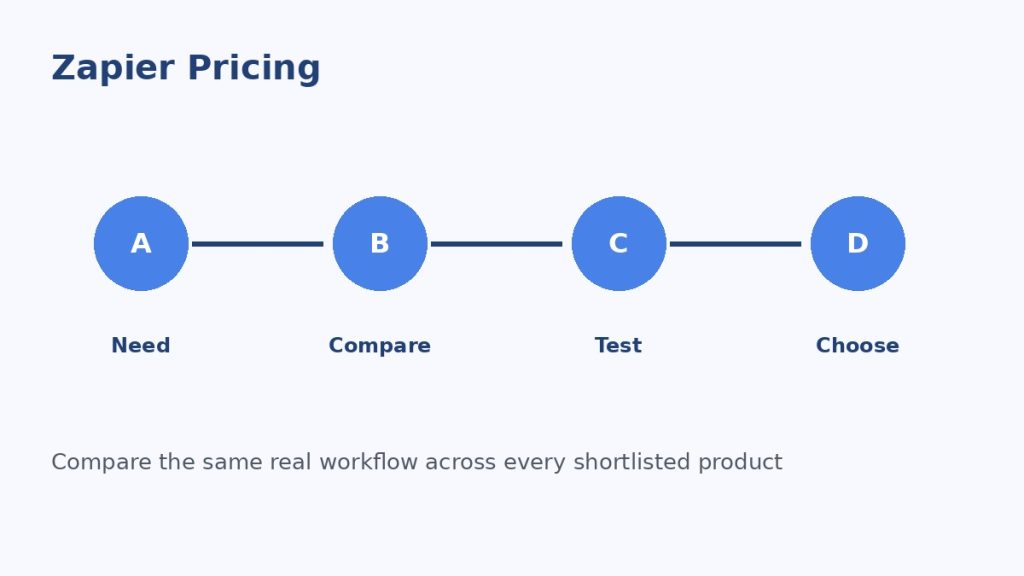
Do not make the decision from a feature page alone. Use representative business data, invite the people who will actually use the product and reproduce one or two workflows that matter. Test permissions, imports, exports, notifications, integrations and failure handling. If automation is involved, intentionally create one failed run and confirm that the product makes the problem understandable.
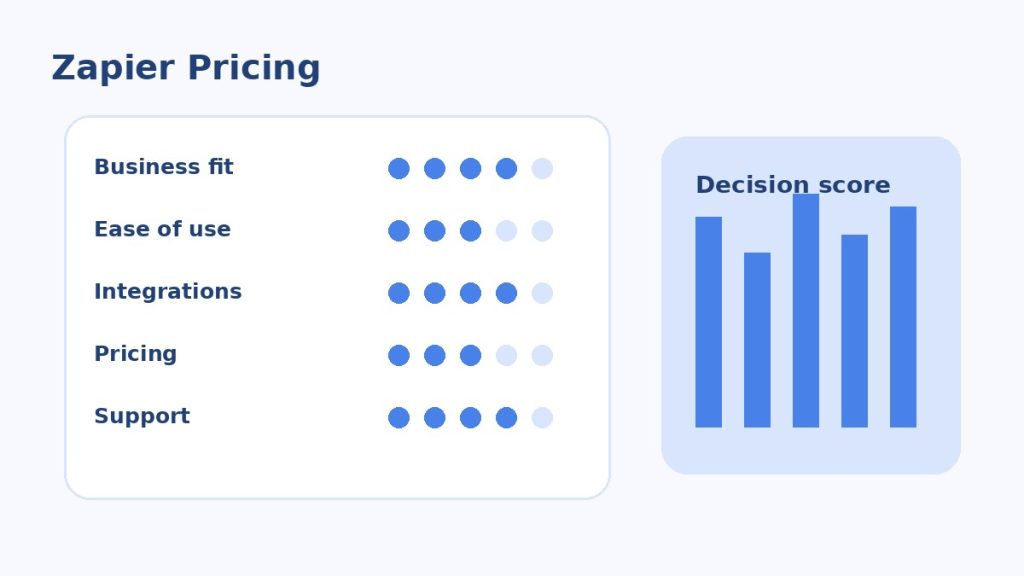
Use the same scorecard for every candidate. Record business fit, ease of use, integration quality, reporting, security, support and total expected cost. This prevents a polished demo or temporary discount from outweighing the practical requirements that will matter after the first month.
Governance and Ongoing Maintenance
Assign an owner for billing, permissions, configuration and integrations. Review user access regularly, remove unused connections and document changes to workflows that affect customers, revenue or important records. A useful software stack becomes difficult to manage when nobody knows who owns a critical integration or why a particular setting exists.
Also plan for portability. Confirm that important records, templates, reports and configuration data can be exported in a usable format. This matters for global teams because privacy, tax, language, support and data-location requirements can change as the business expands.
Monthly Zapier Cost Review
At the end of each billing period, sort automations by task consumption and business value. High-usage Zaps deserve attention first. Sometimes the right answer is optimization; sometimes a high-volume workflow is valuable enough that the task cost is justified.
Keep a small reserve in the task budget for retries, seasonal spikes and new workflows. Budgeting at exactly the expected average creates unnecessary operational risk.
Monthly Zapier Cost Review
At the end of each billing period, sort automations by task consumption and business value. High-usage Zaps deserve attention first. Sometimes the right answer is optimization; sometimes a high-volume workflow is valuable enough that the task cost is justified.
Keep a small reserve in the task budget for retries, seasonal spikes and new workflows. Budgeting at exactly the expected average creates unnecessary operational risk.
Monthly Zapier Cost Review
At the end of each billing period, sort automations by task consumption and business value. High-usage Zaps deserve attention first. Sometimes the right answer is optimization; sometimes a high-volume workflow is valuable enough that the task cost is justified.
Keep a small reserve in the task budget for retries, seasonal spikes and new workflows. Budgeting at exactly the expected average creates unnecessary operational risk.
Monthly Zapier Cost Review
At the end of each billing period, sort automations by task consumption and business value. High-usage Zaps deserve attention first. Sometimes the right answer is optimization; sometimes a high-volume workflow is valuable enough that the task cost is justified.
Keep a small reserve in the task budget for retries, seasonal spikes and new workflows. Budgeting at exactly the expected average creates unnecessary operational risk.
Monthly Zapier Cost Review
At the end of each billing period, sort automations by task consumption and business value. High-usage Zaps deserve attention first. Sometimes the right answer is optimization; sometimes a high-volume workflow is valuable enough that the task cost is justified.
Keep a small reserve in the task budget for retries, seasonal spikes and new workflows. Budgeting at exactly the expected average creates unnecessary operational risk.
Monthly Zapier Cost Review
At the end of each billing period, sort automations by task consumption and business value. High-usage Zaps deserve attention first. Sometimes the right answer is optimization; sometimes a high-volume workflow is valuable enough that the task cost is justified.
Keep a small reserve in the task budget for retries, seasonal spikes and new workflows. Budgeting at exactly the expected average creates unnecessary operational risk.
Monthly Zapier Cost Review
At the end of each billing period, sort automations by task consumption and business value. High-usage Zaps deserve attention first. Sometimes the right answer is optimization; sometimes a high-volume workflow is valuable enough that the task cost is justified.
Keep a small reserve in the task budget for retries, seasonal spikes and new workflows. Budgeting at exactly the expected average creates unnecessary operational risk.
Monthly Zapier Cost Review
At the end of each billing period, sort automations by task consumption and business value. High-usage Zaps deserve attention first. Sometimes the right answer is optimization; sometimes a high-volume workflow is valuable enough that the task cost is justified.
Keep a small reserve in the task budget for retries, seasonal spikes and new workflows. Budgeting at exactly the expected average creates unnecessary operational risk.
Monthly Zapier Cost Review
At the end of each billing period, sort automations by task consumption and business value. High-usage Zaps deserve attention first. Sometimes the right answer is optimization; sometimes a high-volume workflow is valuable enough that the task cost is justified.
Keep a small reserve in the task budget for retries, seasonal spikes and new workflows. Budgeting at exactly the expected average creates unnecessary operational risk.
Monthly Zapier Cost Review
At the end of each billing period, sort automations by task consumption and business value. High-usage Zaps deserve attention first. Sometimes the right answer is optimization; sometimes a high-volume workflow is valuable enough that the task cost is justified.
Keep a small reserve in the task budget for retries, seasonal spikes and new workflows. Budgeting at exactly the expected average creates unnecessary operational risk.
Monthly Zapier Cost Review
At the end of each billing period, sort automations by task consumption and business value. High-usage Zaps deserve attention first. Sometimes the right answer is optimization; sometimes a high-volume workflow is valuable enough that the task cost is justified.
Keep a small reserve in the task budget for retries, seasonal spikes and new workflows. Budgeting at exactly the expected average creates unnecessary operational risk.
Monthly Zapier Cost Review
At the end of each billing period, sort automations by task consumption and business value. High-usage Zaps deserve attention first. Sometimes the right answer is optimization; sometimes a high-volume workflow is valuable enough that the task cost is justified.
Keep a small reserve in the task budget for retries, seasonal spikes and new workflows. Budgeting at exactly the expected average creates unnecessary operational risk.
Monthly Zapier Cost Review
At the end of each billing period, sort automations by task consumption and business value. High-usage Zaps deserve attention first. Sometimes the right answer is optimization; sometimes a high-volume workflow is valuable enough that the task cost is justified.
Keep a small reserve in the task budget for retries, seasonal spikes and new workflows. Budgeting at exactly the expected average creates unnecessary operational risk.
Monthly Zapier Cost Review
At the end of each billing period, sort automations by task consumption and business value. High-usage Zaps deserve attention first. Sometimes the right answer is optimization; sometimes a high-volume workflow is valuable enough that the task cost is justified.
Keep a small reserve in the task budget for retries, seasonal spikes and new workflows. Budgeting at exactly the expected average creates unnecessary operational risk.
Monthly Zapier Cost Review
At the end of each billing period, sort automations by task consumption and business value. High-usage Zaps deserve attention first. Sometimes the right answer is optimization; sometimes a high-volume workflow is valuable enough that the task cost is justified.
Keep a small reserve in the task budget for retries, seasonal spikes and new workflows. Budgeting at exactly the expected average creates unnecessary operational risk.
Monthly Zapier Cost Review
At the end of each billing period, sort automations by task consumption and business value. High-usage Zaps deserve attention first. Sometimes the right answer is optimization; sometimes a high-volume workflow is valuable enough that the task cost is justified.
Keep a small reserve in the task budget for retries, seasonal spikes and new workflows. Budgeting at exactly the expected average creates unnecessary operational risk.
Monthly Zapier Cost Review
At the end of each billing period, sort automations by task consumption and business value. High-usage Zaps deserve attention first. Sometimes the right answer is optimization; sometimes a high-volume workflow is valuable enough that the task cost is justified.
Keep a small reserve in the task budget for retries, seasonal spikes and new workflows. Budgeting at exactly the expected average creates unnecessary operational risk.
Monthly Zapier Cost Review
At the end of each billing period, sort automations by task consumption and business value. High-usage Zaps deserve attention first. Sometimes the right answer is optimization; sometimes a high-volume workflow is valuable enough that the task cost is justified.
Keep a small reserve in the task budget for retries, seasonal spikes and new workflows. Budgeting at exactly the expected average creates unnecessary operational risk.
Related Software Guides