Best WordPress Plugins for Business Websites in 2027
Compare the best WordPress plugins for business websites in 2027 for forms, SEO, security, speed, backups, ecommerce and automation today.
Best WordPress plugins should solve important business problems without creating unnecessary performance, security or maintenance risk. A business website rarely needs dozens of extensions; it needs a small, well-maintained stack covering forms, SEO, security, performance, backups, analytics and any ecommerce or automation functions the site actually uses.
WordPress.org currently lists several mainstream plugins with millions of active installations. Popularity alone is not a quality guarantee, but it can indicate a large ecosystem, broad compatibility testing and extensive documentation.
Pricing and plan details were checked against official vendor pages in November 2026. Vendors can change prices, limits, taxes and promotions, so verify current terms before purchasing.
Best WordPress Plugins for Business Websites
| Option | Best for | Watch-out |
|---|---|---|
| WPForms | Lead forms, surveys, payments and data collection | Premium renewal cost rises above introductory pricing |
| Wordfence | Firewall, malware scanning and login protection | Security still requires hosting and account controls |
| WP Rocket | Caching and performance optimization | Aggressive settings should be tested on staging |
| Rank Math | SEO metadata, schema and on-site controls | Do not run multiple full SEO plugins together |
| Site Kit by Google | Search Console, Analytics and Google integrations | Advanced analysis still happens in source products |
| WooCommerce | Ecommerce | Extension stacks require careful update testing |
| UpdraftPlus | Backups | Restores must be tested, not assumed |
| Uncanny Automator | WordPress workflow automation | Critical automations need logs and ownership |
| Akismet | Spam filtering | Combine with moderation and form security |
How Many Plugins Should a Business Site Use?
There is no correct number. Ten efficient, well-maintained plugins can be safer than three poorly designed ones. The real concerns are overlapping functionality, database load, front-end assets, background jobs and the number of privileged external connections.
Before installing anything, check whether WordPress, the theme or an existing plugin already provides the feature. Duplicate SEO, caching, security and analytics plugins can conflict and make troubleshooting much harder.
WPForms — Best Business Form Plugin
WPForms provides drag-and-drop forms, templates, entry management and integrations. Its current pricing page lists introductory annual pricing from $49.50 for Basic, with higher tiers adding marketing, payment, CRM and automation capabilities.
Forms are often revenue-critical. Test confirmation emails, spam controls, CRM handoff, mobile usability and what happens when an external integration fails. Keep an accessible copy of important submissions rather than assuming every connection will always work.
Wordfence — Best Security Plugin for Many WordPress Sites
Wordfence combines firewall, malware scanning, login security and threat protection. WordPress.org currently reports more than five million active installations.
A security plugin is only one layer. Keep WordPress core, themes and plugins updated, use strong administrator authentication, remove unused extensions and protect hosting credentials separately.
WP Rocket — Best Premium Caching Plugin
WP Rocket focuses on caching and front-end performance optimization. Its pricing page can display promotions, so checkout should remain the final pricing source.
Performance settings can break menus, forms, checkout or interactive JavaScript if applied too aggressively. Test important page types on staging after major optimization changes.
Rank Math — Best All-in-One SEO Plugin for Many Users
Rank Math provides title and meta controls, XML sitemaps, schema, redirects and other SEO functionality. The best SEO plugin is the one that creates clean output and fits the editorial process. Running several full SEO plugins at once usually creates conflicts.
Site Kit by Google — Best Google Integration Plugin
Site Kit by Google brings Search Console, Analytics, AdSense and PageSpeed information into WordPress. WordPress.org currently reports more than five million active installations.
The dashboard is convenient, but it does not replace understanding the underlying Google products. Use it as an integration layer rather than the only analytics interface.
WooCommerce — Best Ecommerce Plugin
WooCommerce is the dominant WordPress ecommerce platform, with WordPress.org currently reporting more than seven million active installations.
Ecommerce sites should test updates on staging because payment, shipping, tax and checkout extensions interact in business-critical ways. Keep the extension stack as small as practical and monitor failed orders, payment callbacks and webhooks.
UpdraftPlus — Best-Known Backup Option
A backup system should create scheduled copies of files and the database and store them outside the same server. Test restoration before an emergency. A backup that has never been restored is only an assumption.
Uncanny Automator — Best for WordPress Workflow Automation
Uncanny Automator connects events across forms, memberships, ecommerce, learning systems and external applications. Use automation for repeatable administration but keep logs and human approval around money, access changes and customer-facing messages.
For a full comparison, see AutomationToolLab’s WordPress automation plugins guide.
Akismet — Established Spam Protection
Akismet filters comment and form spam and is widely used across WordPress. Public forms and user submissions should combine filtering with rate limits, moderation and appropriate form security.
Essential Plugin Categories
- Forms: one reliable form system with CRM or email integration.
- Security: firewall and login protection plus hosting-level controls.
- Performance: caching and image optimization appropriate to the hosting environment.
- SEO: one primary SEO plugin rather than several overlapping products.
- Backups: scheduled off-site backups with tested restoration.
- Analytics: reliable measurement and consent controls where required.
- Ecommerce: only when the site sells products or services.
- Automation: useful when repeatable plugin-to-plugin workflows save staff time.
Plugins That Can Hurt Performance
A plugin can increase database queries, load JavaScript and CSS on every page, schedule background jobs or call external APIs. The brand matters less than how the plugin behaves on the actual site. Measure before and after installation.
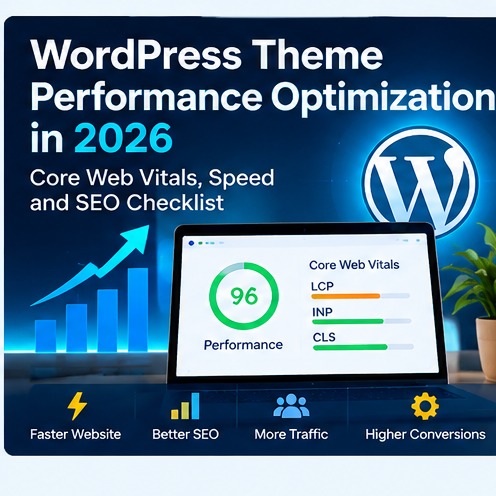
For deeper performance work, see WordPress Theme Performance Optimization.
WordPress Plugin Security Checklist
- Install plugins only from trusted vendors or reputable repositories.
- Check recent updates and compatibility before installation.
- Remove inactive plugins that are no longer needed.
- Back up before major updates.
- Use least-privilege administrator access.
- Review API keys and external connections.
- Test critical updates on staging.
Frequently Asked Questions
What are the must-have WordPress plugins?
Most business sites need forms, security, performance, SEO, backups and analytics. Ecommerce and automation plugins depend on the site’s purpose.
Can too many plugins slow down WordPress?
Yes, but plugin quality matters more than the raw count. One poorly designed extension can cause more trouble than several efficient plugins.
Should I use free or premium plugins?
Use the version that supports the required workflow. Premium products are worthwhile when support, integrations, updates or advanced capabilities reduce operational risk.
Final Recommendation
Keep the WordPress stack intentional. Choose one strong plugin for each important job, remove overlap, maintain backups and test updates before production. The best plugin is the one that solves a real business requirement reliably without creating unnecessary maintenance.
How to Test Before You Buy
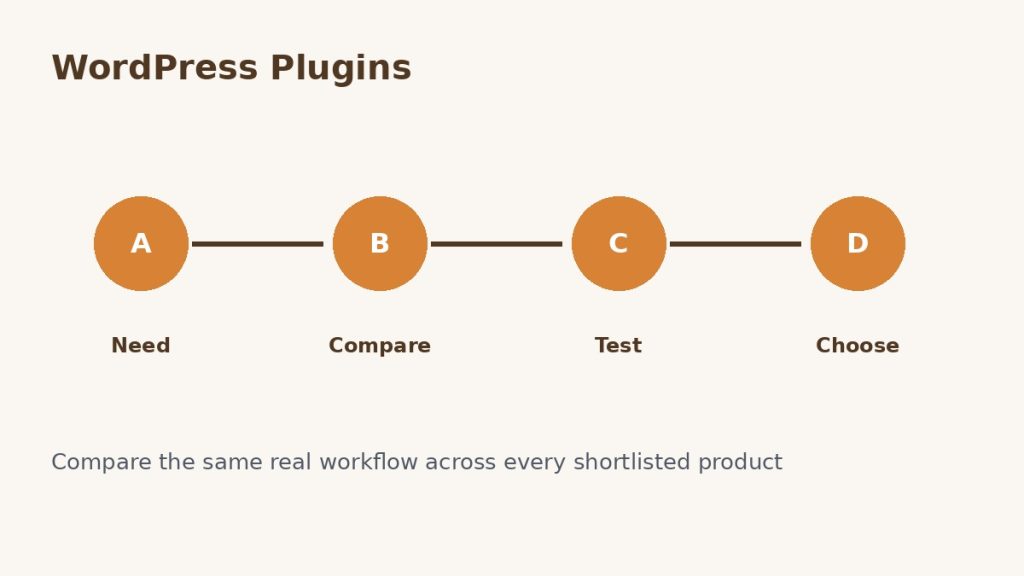
Do not make the decision from a feature page alone. Use representative business data, invite the people who will actually use the product and reproduce one or two workflows that matter. Test permissions, imports, exports, notifications, integrations and failure handling. If automation is involved, intentionally create one failed run and confirm that the product makes the problem understandable.
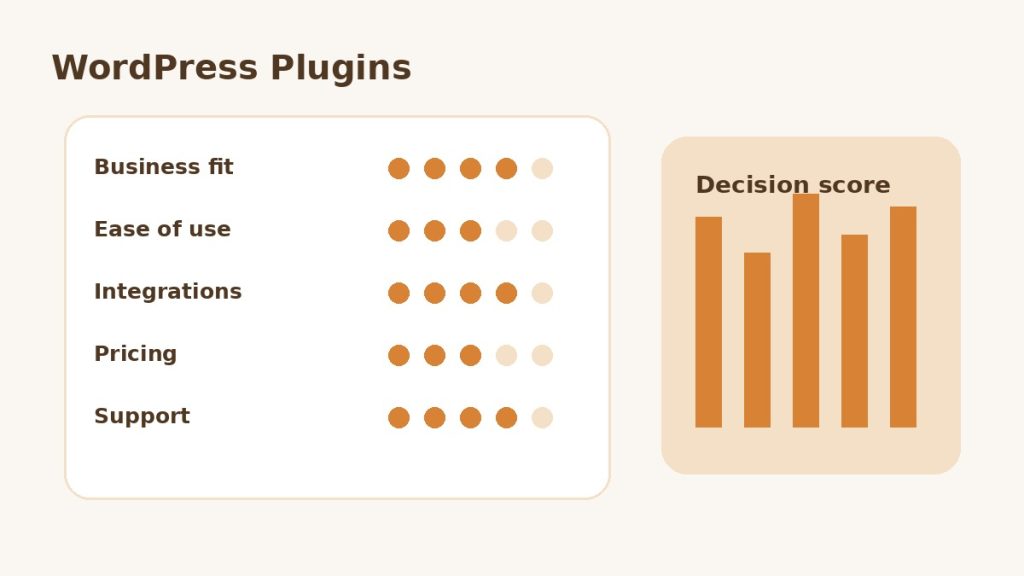
Use the same scorecard for every candidate. Record business fit, ease of use, integration quality, reporting, security, support and total expected cost. This prevents a polished demo or temporary discount from outweighing the practical requirements that will matter after the first month.
Governance and Ongoing Maintenance
Assign an owner for billing, permissions, configuration and integrations. Review user access regularly, remove unused connections and document changes to workflows that affect customers, revenue or important records. A useful software stack becomes difficult to manage when nobody knows who owns a critical integration or why a particular setting exists.
Also plan for portability. Confirm that important records, templates, reports and configuration data can be exported in a usable format. This matters for global teams because privacy, tax, language, support and data-location requirements can change as the business expands.
Plugin Maintenance Schedule for Business Sites
Review plugin updates weekly, test important changes on staging and perform a deeper stack review quarterly. Remove abandoned extensions and check whether two plugins now provide the same feature. Fewer overlapping plugins usually means fewer conflicts and a smaller security surface.
After major WordPress, PHP or theme upgrades, retest forms, login, checkout, search, caching and any automated workflows. Production acceptance should cover the user journeys that create revenue or customer access.
Plugin Maintenance Schedule for Business Sites
Review plugin updates weekly, test important changes on staging and perform a deeper stack review quarterly. Remove abandoned extensions and check whether two plugins now provide the same feature. Fewer overlapping plugins usually means fewer conflicts and a smaller security surface.
After major WordPress, PHP or theme upgrades, retest forms, login, checkout, search, caching and any automated workflows. Production acceptance should cover the user journeys that create revenue or customer access.
Plugin Maintenance Schedule for Business Sites
Review plugin updates weekly, test important changes on staging and perform a deeper stack review quarterly. Remove abandoned extensions and check whether two plugins now provide the same feature. Fewer overlapping plugins usually means fewer conflicts and a smaller security surface.
After major WordPress, PHP or theme upgrades, retest forms, login, checkout, search, caching and any automated workflows. Production acceptance should cover the user journeys that create revenue or customer access.
Plugin Maintenance Schedule for Business Sites
Review plugin updates weekly, test important changes on staging and perform a deeper stack review quarterly. Remove abandoned extensions and check whether two plugins now provide the same feature. Fewer overlapping plugins usually means fewer conflicts and a smaller security surface.
After major WordPress, PHP or theme upgrades, retest forms, login, checkout, search, caching and any automated workflows. Production acceptance should cover the user journeys that create revenue or customer access.
Plugin Maintenance Schedule for Business Sites
Review plugin updates weekly, test important changes on staging and perform a deeper stack review quarterly. Remove abandoned extensions and check whether two plugins now provide the same feature. Fewer overlapping plugins usually means fewer conflicts and a smaller security surface.
After major WordPress, PHP or theme upgrades, retest forms, login, checkout, search, caching and any automated workflows. Production acceptance should cover the user journeys that create revenue or customer access.
Plugin Maintenance Schedule for Business Sites
Review plugin updates weekly, test important changes on staging and perform a deeper stack review quarterly. Remove abandoned extensions and check whether two plugins now provide the same feature. Fewer overlapping plugins usually means fewer conflicts and a smaller security surface.
After major WordPress, PHP or theme upgrades, retest forms, login, checkout, search, caching and any automated workflows. Production acceptance should cover the user journeys that create revenue or customer access.
Plugin Maintenance Schedule for Business Sites
Review plugin updates weekly, test important changes on staging and perform a deeper stack review quarterly. Remove abandoned extensions and check whether two plugins now provide the same feature. Fewer overlapping plugins usually means fewer conflicts and a smaller security surface.
After major WordPress, PHP or theme upgrades, retest forms, login, checkout, search, caching and any automated workflows. Production acceptance should cover the user journeys that create revenue or customer access.
Plugin Maintenance Schedule for Business Sites
Review plugin updates weekly, test important changes on staging and perform a deeper stack review quarterly. Remove abandoned extensions and check whether two plugins now provide the same feature. Fewer overlapping plugins usually means fewer conflicts and a smaller security surface.
After major WordPress, PHP or theme upgrades, retest forms, login, checkout, search, caching and any automated workflows. Production acceptance should cover the user journeys that create revenue or customer access.
Plugin Maintenance Schedule for Business Sites
Review plugin updates weekly, test important changes on staging and perform a deeper stack review quarterly. Remove abandoned extensions and check whether two plugins now provide the same feature. Fewer overlapping plugins usually means fewer conflicts and a smaller security surface.
After major WordPress, PHP or theme upgrades, retest forms, login, checkout, search, caching and any automated workflows. Production acceptance should cover the user journeys that create revenue or customer access.
Plugin Maintenance Schedule for Business Sites
Review plugin updates weekly, test important changes on staging and perform a deeper stack review quarterly. Remove abandoned extensions and check whether two plugins now provide the same feature. Fewer overlapping plugins usually means fewer conflicts and a smaller security surface.
After major WordPress, PHP or theme upgrades, retest forms, login, checkout, search, caching and any automated workflows. Production acceptance should cover the user journeys that create revenue or customer access.
Plugin Maintenance Schedule for Business Sites
Review plugin updates weekly, test important changes on staging and perform a deeper stack review quarterly. Remove abandoned extensions and check whether two plugins now provide the same feature. Fewer overlapping plugins usually means fewer conflicts and a smaller security surface.
After major WordPress, PHP or theme upgrades, retest forms, login, checkout, search, caching and any automated workflows. Production acceptance should cover the user journeys that create revenue or customer access.
Plugin Maintenance Schedule for Business Sites
Review plugin updates weekly, test important changes on staging and perform a deeper stack review quarterly. Remove abandoned extensions and check whether two plugins now provide the same feature. Fewer overlapping plugins usually means fewer conflicts and a smaller security surface.
After major WordPress, PHP or theme upgrades, retest forms, login, checkout, search, caching and any automated workflows. Production acceptance should cover the user journeys that create revenue or customer access.
Plugin Maintenance Schedule for Business Sites
Review plugin updates weekly, test important changes on staging and perform a deeper stack review quarterly. Remove abandoned extensions and check whether two plugins now provide the same feature. Fewer overlapping plugins usually means fewer conflicts and a smaller security surface.
After major WordPress, PHP or theme upgrades, retest forms, login, checkout, search, caching and any automated workflows. Production acceptance should cover the user journeys that create revenue or customer access.
Plugin Maintenance Schedule for Business Sites
Review plugin updates weekly, test important changes on staging and perform a deeper stack review quarterly. Remove abandoned extensions and check whether two plugins now provide the same feature. Fewer overlapping plugins usually means fewer conflicts and a smaller security surface.
After major WordPress, PHP or theme upgrades, retest forms, login, checkout, search, caching and any automated workflows. Production acceptance should cover the user journeys that create revenue or customer access.
Plugin Maintenance Schedule for Business Sites
Review plugin updates weekly, test important changes on staging and perform a deeper stack review quarterly. Remove abandoned extensions and check whether two plugins now provide the same feature. Fewer overlapping plugins usually means fewer conflicts and a smaller security surface.
After major WordPress, PHP or theme upgrades, retest forms, login, checkout, search, caching and any automated workflows. Production acceptance should cover the user journeys that create revenue or customer access.
Related Software Guides