Best SEO Tools in 2027: Free and Paid Software for Search and AI Visibility
Compare the best SEO tools for 2027, including Search Console, Semrush, Ahrefs, technical SEO, keyword research, backlinks and AI search.
Best SEO tools should help a business understand real search performance, find opportunities, diagnose technical problems and compare competitors without confusing third-party estimates with Google’s own data. In 2027, the strongest SEO stack also needs to account for AI visibility and changing search formats.
Google explicitly warns that third-party SEO tools do not have access to Google’s internal ranking data. Treat keyword volume, traffic estimates, difficulty scores and forecasts as research aids, then validate decisions with Search Console, analytics and business outcomes.
Pricing and plan details were checked against official vendor pages in November 2026. Vendors can change prices, limits, taxes and promotions, so verify current terms before purchasing.
Best SEO Tools: Quick Comparison
| Option | Best for | Watch-out |
|---|---|---|
| Google Search Console | Real Google clicks, queries and indexing data | Only your verified properties |
| Semrush | Broad SEO, competitor and AI-visibility workflows | Large suite can be expensive if underused |
| Ahrefs | Backlinks, competitor research and keywords | Pricing rises for larger teams and data needs |
| Screaming Frog | Technical crawling | Requires technical interpretation |
| SE Ranking | Rank tracking and all-in-one SEO workflows | Test database depth for your countries |
| Google Trends | Demand direction and seasonality | Directional rather than an absolute volume tool |
| PageSpeed Insights | Core Web Vitals and performance diagnostics | Synthetic scores need real-user context |
| CBOOMARANK | Integrated SEO audits, keywords, competitors and backlinks | Best fit depends on workflow and plan |
Start With Google Search Console
Google Search Console is the essential starting point because it reports your own Google Search performance. Use it to inspect clicks, impressions, queries, pages, countries, devices, indexing and enhancement issues.
Third-party tools are valuable because they can research competitors and markets that you do not own. Search Console remains the baseline for checking whether an SEO strategy is actually changing results on your site.
Semrush — Best Broad SEO and Competitive Marketing Suite
Semrush combines keyword research, competitive intelligence, audits, rank tracking, backlinks and AI visibility. Semrush currently lists SEO Classic from $139.95 per month and Semrush One from $199.95 per month.
It is a strong fit for agencies and marketing teams that want several research functions under one account. The risk is buying breadth without a process. Decide which reports the team will actually use every week.
Ahrefs — Best for Backlinks and Competitive Search Research
Ahrefs is well known for backlink analysis, competitor research, keyword discovery, site audits and content exploration. Current pricing lists Lite at $129 per month, Standard at $249 and Advanced at $449, plus a lower-cost Starter option.
Ahrefs is particularly useful when competitor backlinks and organic search research are central to the workflow. Modern plans also include AI-prompt tracking and brand visibility features.
Screaming Frog SEO Spider — Best Technical SEO Crawler
Screaming Frog crawls websites to expose redirects, broken links, missing titles, duplicate metadata, canonicals and many technical signals. It is most useful when someone understands how to interpret the output. Not every warning deserves the same priority.
SE Ranking — Best Alternative All-in-One SEO Suite
SE Ranking combines rank tracking, auditing, competitor research, backlinks and reporting. It can be a good choice for agencies and in-house teams that want a broad platform but prefer a different workflow or price structure from Semrush and Ahrefs.
Google Trends — Best Free Demand-Trend Tool
Google Trends helps compare interest over time, seasonality and regional demand. It is not a substitute for a full keyword database, but it is valuable for deciding whether an apparent opportunity is growing, declining or highly seasonal.
PageSpeed Insights — Best Free Performance Diagnostic
PageSpeed Insights combines lab testing with field data when available. Use it to investigate Core Web Vitals and performance bottlenecks, then verify changes against real-user data rather than chasing a perfect lab score.
CBOOMARANK — Integrated SEO Intelligence
CBOOMARANK combines SEO auditing, keyword intelligence, competitor research, backlink intelligence and AI-readiness workflows. It is relevant to businesses that want SEO research connected to a broader operating workflow.
Which SEO Tools Do You Actually Need?
| Business need | Suggested stack | Important caution |
|---|---|---|
| New website | Search Console + Trends + PageSpeed Insights | Avoid buying large suites before a repeatable SEO process exists |
| Content growth | Search Console + one paid research suite | Choose based on country databases and workflow |
| Backlink strategy | Ahrefs or Semrush + Search Console | Use estimates comparatively, not as exact truth |
| Technical SEO | Search Console + Screaming Frog | Prioritize issues by user and crawling impact |
| Agency reporting | Paid suite with tracking and client reporting | Check seat and project economics |
| AI visibility | Suite with AI-prompt tracking + first-party analytics | Do not confuse AI visibility estimates with conversions |
SEO Metrics to Treat Carefully
Keyword volume, traffic estimates, keyword difficulty and domain-level authority scores are modeled metrics. Different platforms can report different numbers for the same query because they use different databases and methodologies.
Use one tool consistently for comparisons, then validate content and investment decisions with Search Console, analytics, leads and revenue.
Free SEO Tools vs Paid SEO Software
Free Google and Bing tools can cover much of the work required to understand your own site. Paid platforms become valuable when you need competitor data, larger keyword datasets, backlink research, historical rankings or scalable reports.
A small company should not buy an expensive suite before it can explain exactly which research gap the subscription will solve.
Global SEO Tool Selection
Country and language databases differ. A platform can be excellent for the United States but less complete for India, Germany, France, Canada or the UK. Test the markets you actually target before committing to an annual plan.
AutomationToolLab’s SEO section is designed around practical software choices rather than one universal winner. The best platform is the one that has useful data for your market and fits the team’s working process.
Frequently Asked Questions
What is the best free SEO tool?
Google Search Console is the essential free tool for understanding your own Google Search performance. Add Google Trends and PageSpeed Insights for demand and performance diagnostics.
Is Semrush better than Ahrefs?
Neither is universally better. Semrush provides a very broad marketing suite, while Ahrefs is particularly strong for backlink and competitive search research. Test the tasks your team performs most often.
Do SEO tools know Google’s ranking algorithm?
No. Google states that third-party tools do not have access to its internal ranking data. Their scores, volumes and forecasts are estimates.
Final Recommendation
Build the smallest SEO stack that answers your real questions. Use Search Console as the source of truth for your own site, add one paid suite when competitor or keyword research justifies the cost, and use specialized tools only when the workflow requires them. More subscriptions do not automatically create better SEO.
How to Test Before You Buy
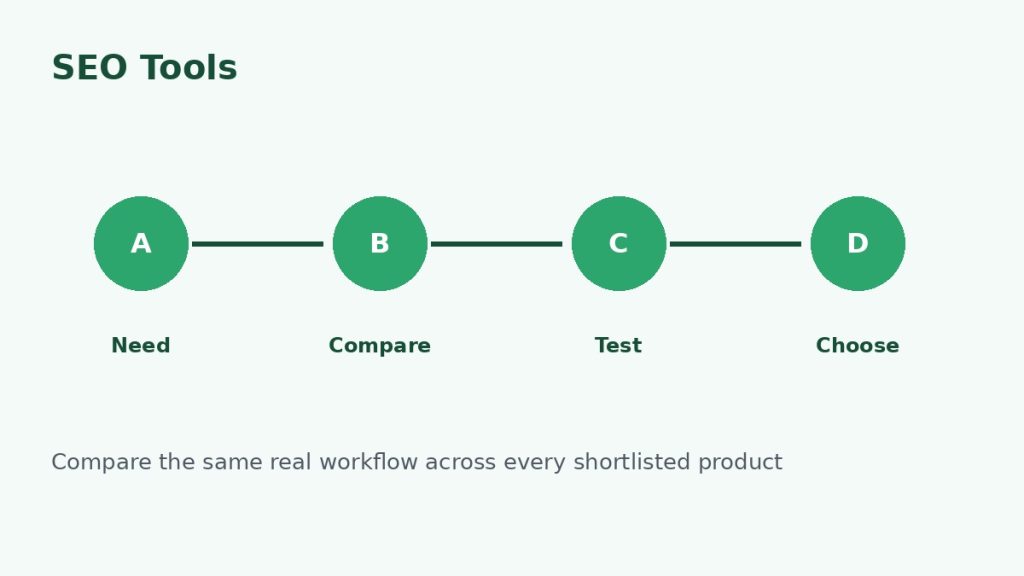
Do not make the decision from a feature page alone. Use representative business data, invite the people who will actually use the product and reproduce one or two workflows that matter. Test permissions, imports, exports, notifications, integrations and failure handling. If automation is involved, intentionally create one failed run and confirm that the product makes the problem understandable.
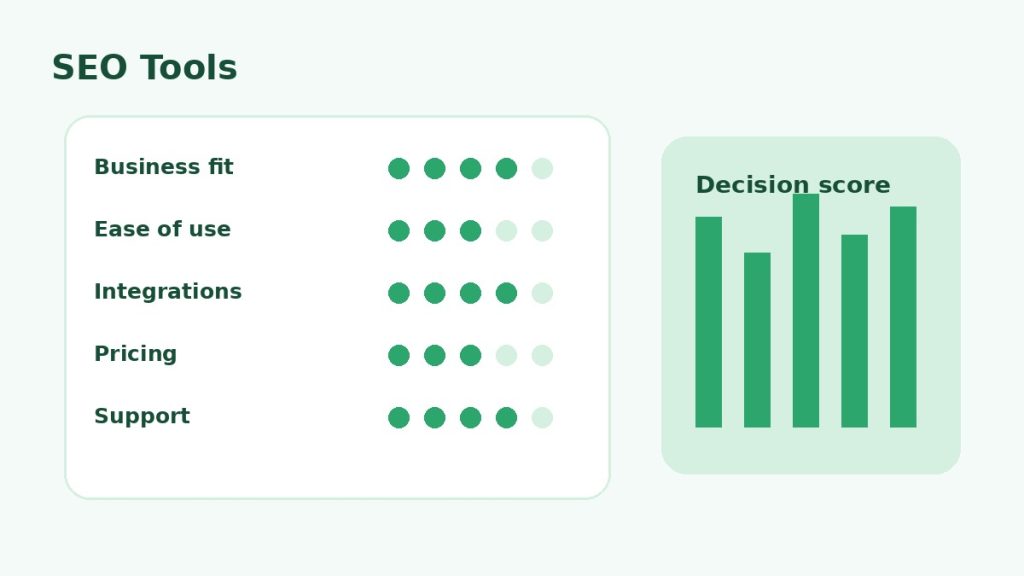
Use the same scorecard for every candidate. Record business fit, ease of use, integration quality, reporting, security, support and total expected cost. This prevents a polished demo or temporary discount from outweighing the practical requirements that will matter after the first month.
Governance and Ongoing Maintenance
Assign an owner for billing, permissions, configuration and integrations. Review user access regularly, remove unused connections and document changes to workflows that affect customers, revenue or important records. A useful software stack becomes difficult to manage when nobody knows who owns a critical integration or why a particular setting exists.
Also plan for portability. Confirm that important records, templates, reports and configuration data can be exported in a usable format. This matters for global teams because privacy, tax, language, support and data-location requirements can change as the business expands.
How to Build an SEO Tool Stack Without Overspending
Start with first-party tools, then add one paid research suite. Only add a specialist crawler, content platform or AI-visibility product when a recurring workflow justifies it. This approach keeps data consistent and prevents analysts from wasting time reconciling five different versions of the same metric.
Document which tool is the source for each metric. For example, Search Console can be the authority for your own Google clicks, while a paid suite can be the comparative source for competitor keywords and backlinks.
Related Software Guides