
Zapier for Small Business in 2026: 25 Automation Workflows, Setup Tips and Best Practices
Zapier for small business: explore 25 practical automation workflows, setup tips, filters, AI steps, cost controls and ongoing maintenance.
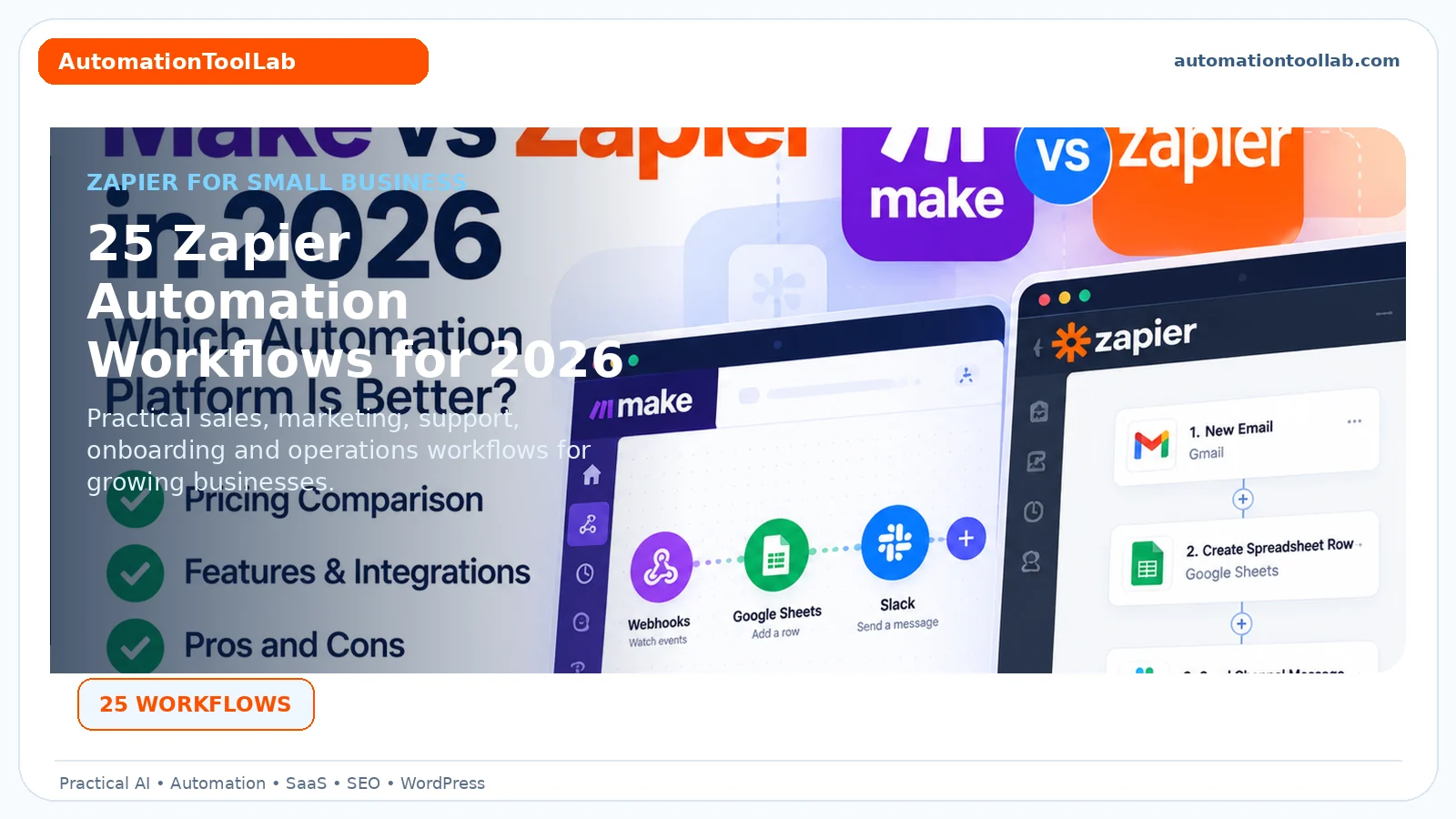
Zapier for small business can connect cloud applications, remove repetitive handoffs and automate routine workflows when triggers, filters and exception handling are designed carefully.
Editorial note: This article is educational and based on practical software-selection and workflow principles. Product features, limits and pricing may change after publication.
Affiliate disclosure: Some links may be affiliate links. AutomationToolLab may earn a commission at no additional cost to you.
Zapier can remove repetitive work between business applications, but the best results come from treating automations like operating processes rather than quick shortcuts. This guide shows practical workflows, design patterns, cost controls and maintenance practices for small businesses.
Zapier for Small Business: What It Is Best At
In practice, Zapier is strongest when a business needs to move information between cloud applications without building a custom integration. Common workflows include reacting to a trigger in one system, transforming or enriching the data, applying rules and completing actions in another system.
Simple automations can be created quickly, but production workflows still need design discipline. Define ownership, validation and exception handling before important customer or financial processes depend on the automation.
Zapier for Small Business: 25 Practical Workflows
Sales and CRM
- Send website leads to the CRM.
- Enrich new lead records.
- Notify sales about high-value leads.
- Create follow-up tasks after meetings.
- Update deal records after form submissions.
Marketing
- Add qualified contacts to an email list.
- Send webinar registrations to the CRM.
- Create content tasks from an editorial form.
- Repurpose approved content into social draft queues.
- Track campaign responses in a reporting sheet.
Customer service
- Create support tickets from selected forms or messages.
- Notify teams about urgent tickets.
- Add customer feedback to a research database.
- Create follow-up tasks after low satisfaction scores.
- Summarize long support threads for escalation.
Operations and finance
- Create project folders after a deal closes.
- Generate onboarding checklists.
- Send payment events to reporting systems.
- Notify owners about failed payments.
- Create renewal reminders before subscription dates.
Management
- Send weekly KPI summaries.
- Create meeting tasks from action items.
- Collect form submissions into a central database.
- Archive completed records on a schedule.
- Send exception alerts when a workflow fails validation.
Zapier for Small Business: How to Design a Zap
For example, Write the workflow as trigger, required data, decisions, actions and exceptions. Then build the Zap in that same order. This reduces trial-and-error and makes the automation easier for another person to understand later.
Name steps clearly. “Find CRM contact” is better than “Step 3.” Document why filters exist and what happens when a record is missing. Important Zaps should be understandable without relying on the memory of the person who created them.
Zapier for Small Business: Filters, Paths and Data Validation
In addition, Filters prevent the workflow from continuing when required conditions are not met. Paths allow different actions for different cases. Use them to encode business rules explicitly rather than relying on people to fix incorrect results later.
Validate required identifiers, email addresses, currency values and status fields before writing to downstream systems. When possible, create an exception route that notifies a human instead of silently failing.
Zapier for Small Business: Using AI Steps
However, AI can classify, summarize, extract or draft within a larger automation. Good use cases include summarizing a support request, classifying lead intent or drafting an internal summary. Keep outputs structured when they will be consumed by later steps.
For important decisions, combine AI with deterministic validation. For example, an AI step may categorize a message, but a following rule should confirm that the category is one of the allowed values before updating the CRM.
Zapier for Small Business: Cost Control and Task Usage
As a result, Automation cost depends on how often workflows run and how many billable actions they execute. Reduce unnecessary runs by filtering early. Avoid triggering on records that will immediately be discarded by a later step.
Review high-volume Zaps monthly. A workflow that was inexpensive at launch may become a material cost as traffic grows. Compare the value generated by the automation with the cost of tasks and the maintenance required.
Zapier for Small Business: When to Choose Another Platform
At the same time, Zapier may not be ideal when the workflow requires self-hosting, highly customized code, large-scale data processing or advanced technical control over execution. In those cases, tools such as n8n, Make or a custom integration may fit better.
The platform should match the operational requirement. There is no benefit in choosing a more technical tool if the team cannot maintain it, and no benefit in choosing the easiest tool if it cannot support the required workflow reliably.
Zapier for Small Business: A 30-Day Implementation Plan
Therefore, Week 1: identify three repetitive processes and build one low-risk Zap. Week 2: add filters, error notifications and clear naming. Week 3: measure task usage and expand to a second workflow. Week 4: document ownership, review permissions and calculate time saved.
Once the team understands the patterns, build shared standards for naming, folders, credentials, alerts and testing. This prevents automation from becoming a hidden layer that only one employee understands.
Building a Reliable Lead-Management Zap
More importantly, Consider a website form that creates sales leads. A basic Zap can send every form submission directly to a CRM, but a production workflow should do more. First validate required fields. Then normalize the company and contact information. Search the CRM for an existing record before creating a new one. Apply qualification rules and assign ownership based on region, product or account type.
If required information is missing, route the submission to a review queue instead of creating a broken CRM record. If the lead is qualified, create the follow-up task and notify the owner. If it is not yet qualified, add it to the appropriate nurture process. This design is slightly more complex but prevents duplicates and improves data quality.
Building a Customer Onboarding Zap
For this reason, A customer onboarding Zap can begin when a deal is marked won or a payment succeeds. Validate customer and product details, create the project or onboarding record, generate a task checklist and notify the delivery team. Prepare the welcome email but keep it in draft until a human verifies dates, scope and contact information.
Record the workflow outcome back in the CRM. This gives sales and delivery a shared signal that onboarding has started and makes failures easier to identify.
Error Handling and Alerts
Meanwhile, Every important Zap should have a visible failure process. Configure notifications for failed runs and decide who is responsible for resolving them. If the workflow affects customers, create a fallback queue so failed records are not lost.
Review recurring errors instead of fixing each one individually. Repeated failures often indicate a missing validation rule, changed field mapping or unrealistic assumption in the workflow design.
Organizing a Growing Zapier Account
In other words, Use folders and naming standards. A useful naming pattern can include department, trigger and outcome, such as “Sales — New demo request — Create CRM lead.” Avoid names like “Test 4” or “New Zap” once a workflow becomes important.
Assign owners and document credentials. Remove inactive experimental Zaps and duplicated workflows. A tidy account reduces the risk that someone edits the wrong automation or leaves an essential process connected to a former employee’s account.
Zapier vs Native Automation vs Other Platforms
Ultimately, Before building a new Zap, check whether the SaaS products already have a reliable native integration. Native automation can be simpler and cheaper for straightforward workflows. Use Zapier when you need to connect multiple systems, add logic or standardize cross-application processes.
Consider Make when visual data transformation and complex scenarios are important. Consider n8n when technical teams value deeper control or self-hosting. The best platform is the one the team can operate reliably at the required scale.
Related AutomationToolLab Guides
Zapier for Small Business: Testing Before Launch
In practice, Use realistic sample records, including missing optional fields and unusual values. Confirm every downstream action creates the correct record once, not twice. Test filters and branches independently. For customer-facing messages, send to internal test addresses first.
Maintenance Checklist
Review failed runs, app connection warnings, task volume, inactive Zaps and ownership at least monthly for important workflows. After a connected app changes fields or authentication, re-test dependent automations. Remove obsolete Zaps so the account remains understandable.
Frequently Asked Questions
How many Zaps should a small business build?
For example, Build only workflows with a documented owner and measurable purpose. Ten maintained Zaps are more valuable than one hundred undocumented experiments.
How do you control task usage?
Filter unnecessary runs early, combine actions where practical and review high-volume workflows regularly.
When should you move away from Zapier?
Consider alternatives when you require self-hosting, very complex technical control, unusual data processing or costs that no longer match the value of the workflow.
Implementation Notes for 2026
In addition, For Zapier for small business, the practical challenge is rarely access to features. It is creating a repeatable operating method. Document who owns the workflow, what information is trusted, which outputs require review and how the team will recognize failure. This makes the software easier to train, easier to audit and easier to replace if the business later chooses another platform.
Adoption should also be measured. Ask whether users complete the intended workflow, whether they create side processes outside the tool and whether data quality remains high. A product that technically supports a feature is not delivering value if employees avoid it because the process is too complex. Review the setup after the first month and remove fields, steps or automation that do not contribute to the desired result.
However, Finally, keep portability in mind. Export important data periodically when practical, document critical settings and avoid hiding essential business logic in a single employee’s personal account. Software choices change; operational knowledge should remain with the business.
Documenting Data Mapping Between Apps
For important Zaps, record which source field maps to which destination field. This is especially useful when several systems use different names for the same information, such as “company,” “account name” and “organization.” A simple mapping table helps diagnose failures after a connected app changes its schema.
As a result, Document any transformation too: date formatting, currency conversion, phone normalization, text cleanup or status translation. Hidden transformations are a common source of confusion when someone later edits the Zap and does not realize why a formatter step exists.
Permissions and Connected Accounts
Avoid connecting critical workflows to personal accounts when a shared or service account is more appropriate. Review which applications each connection can access and remove obsolete connections. If an employee leaves, the company should know which automations depend on that person’s credentials before the account is disabled.
At the same time, For sensitive systems, coordinate with the application’s own security controls. Zapier can move data between systems, but it does not replace least-privilege permissions inside the connected applications.
Final Recommendation
Start with one workflow that has a clear trigger and measurable manual effort. Add validation and failure alerts before scaling, then review task usage and business value regularly.
Turn Better Software Decisions Into Better Website Growth
Therefore, Choosing the right tools is only part of the job. If you also want to understand your website visibility, keyword opportunities, competitors and backlinks, explore CBOOMARANK. For available plans, visit the CBOOMARANK pricing page.
Related Software Guides