Notion for Business in 2026: Workspace Setup, Templates, Team Systems and Automation
Notion for business: build a workspace for projects, team knowledge, templates, permissions, meetings and practical automation in 2026.
Notion for business works best when projects, company knowledge, meetings, templates and team systems are organized around a small number of shared workflows.
Editorial note: This article is educational and based on practical software-selection and workflow principles. Product features, limits and pricing may change after publication.
Affiliate disclosure: Some links may be affiliate links. AutomationToolLab may earn a commission at no additional cost to you.
Notion can serve as a knowledge base, project workspace, meeting system and operating manual, but the value depends on structure. This guide shows how to build a business workspace that remains easy to navigate as more people and processes are added.
Notion for Business: Design Around Work, Not Departments
In practice, A Notion workspace becomes easier to manage when the structure reflects recurring work instead of mirroring every box in the organization chart. Start with a small set of shared systems such as company knowledge, projects, meetings, goals, processes and team resources.
Avoid creating a separate page hierarchy for every possible topic. Use databases where records need consistent properties, filtering or relationships, and use normal pages for reference material that is primarily read rather than managed.
Notion for Business: A Practical Workspace Architecture
Company home
For example, The home area should answer where people go for current priorities, important links, policies and major announcements. Keep it short enough that employees can scan it quickly.
Knowledge base
Store approved policies, how-to guides, onboarding material and reference documents. Assign owners and review dates to content that can become outdated.
Projects
In addition, Use a consistent project database with owner, status, priority, target date, related goals and key links. Teams can create filtered views without duplicating the underlying records.
Meetings and decisions
Separate raw meeting notes from final decisions. A useful meeting template records agenda, decisions, action items and follow-up date so information does not disappear inside chronological notes.
Processes
However, Document repeatable workflows with clear triggers, owners, steps, exceptions and related tools. This turns Notion into an operating manual rather than a collection of documents.
Notion for Business: Templates That Improve Adoption
Templates are valuable when they reduce decisions users must make. A project template can include objective, scope, owner, milestones, risks and retrospective. A meeting template can include attendees, agenda, decisions and tasks. A content template can include brief, target audience, keyword, draft status and review checklist.
As a result, Do not add fields because they look professional. Every property should support a filter, decision or reporting need. Large databases with dozens of rarely used properties create friction and reduce data quality.
Notion for Business: Where Notion AI Helps
AI features can help summarize pages, rewrite text, extract tasks, draft structured content and answer questions from workspace information when the appropriate context is available. Use it to accelerate work that already has a clear purpose.
At the same time, For company knowledge, the quality of AI answers depends on the quality of the underlying workspace. Outdated pages, duplicated policies and unclear ownership create unreliable context. Clean information architecture remains important even when AI search becomes more capable.
Notion for Business: Automation and Integrations
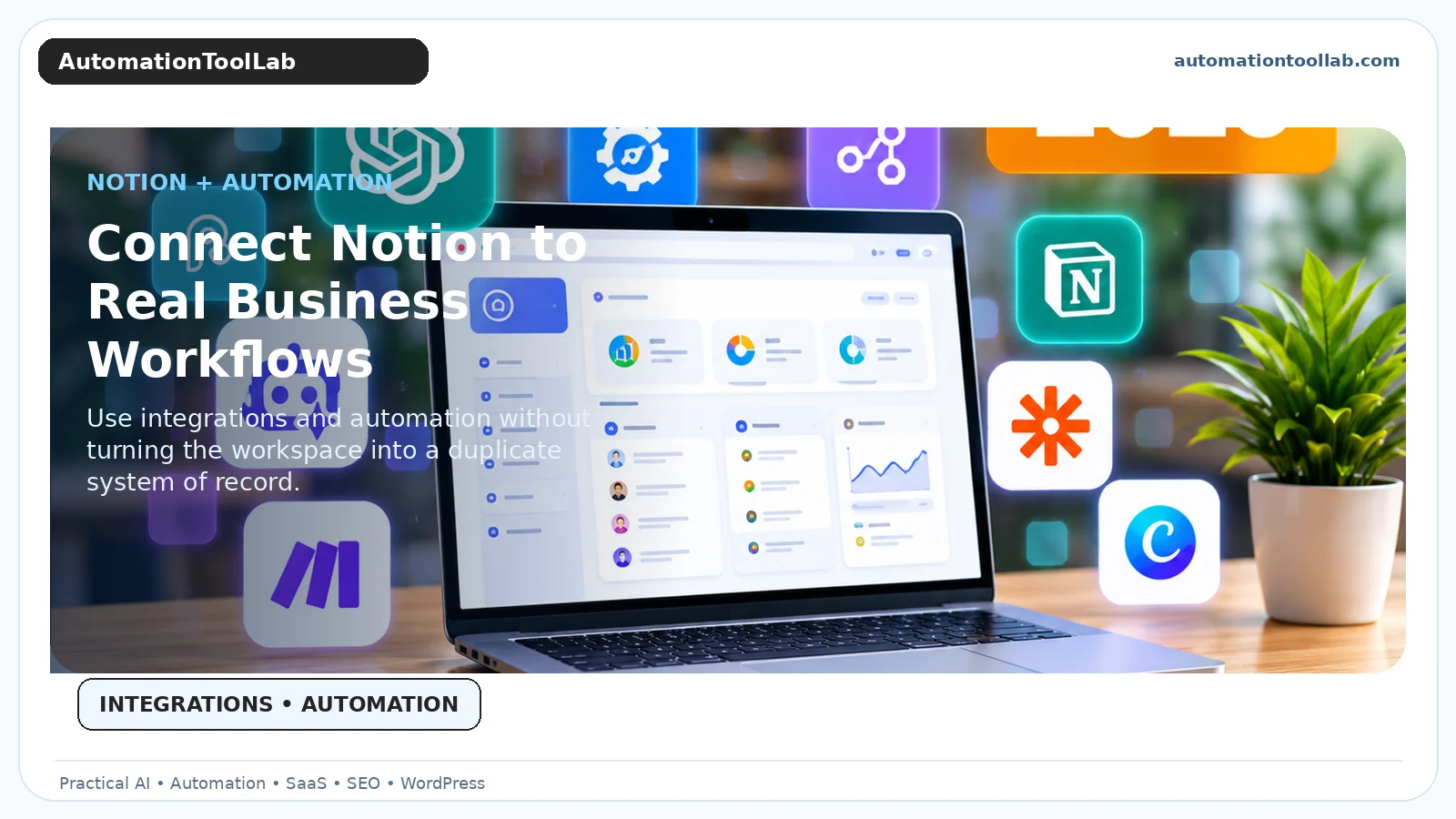
Connect Notion to other systems only where there is a clear system-of-record decision. If the CRM owns customer data, do not create an independent manual customer database in Notion unless there is a specific reason. Instead, synchronize or reference the information needed for project work.
Therefore, Useful automations include creating project pages from approved sales events, generating tasks from forms, sending reminders for overdue records, synchronizing content calendars and producing weekly summaries. Tools such as Zapier, Make and n8n can extend the workflow when native automation is insufficient.
Notion for Business: Permissions and Governance
Create rules for public pages, guest access and confidential team spaces. Review guests periodically, avoid using public links for sensitive information and document who owns important shared databases.
More importantly, For long-term maintainability, establish naming conventions, archival rules and a process for merging duplicate spaces. A workspace that grows without governance becomes difficult to search and reduces trust in the information it contains.
Notion for Business: A 30-Day Rollout
Week 1: build company home, knowledge base and a single project database. Week 2: migrate only high-value documents and create two or three templates. Week 3: onboard a pilot team and note where people create duplicates or get lost. Week 4: simplify the structure, document ownership and automate one recurring workflow.
For this reason, Do not migrate every historical document on day one. Start with information people need to work now. Archive or import older material only when it has continuing value.
Build a Company Knowledge System That People Trust
A knowledge base is useful only when employees believe the information is current. Assign an owner to policies, operating procedures and frequently used reference pages. Add a review date for material that changes regularly. When a page is replaced, archive or clearly mark the old version instead of leaving conflicting instructions in search.
Meanwhile, Create a short publishing standard. Important pages should include a descriptive title, owner, last reviewed date and links to related systems. This does more for searchability than elaborate visual dashboards.
Notion for Business: Project Management
Use one primary projects database when possible. Give each project an owner, status, priority, target date, objective and link to related tasks or documents. Teams can create filtered views for marketing, operations or leadership while maintaining a single underlying record.
In other words, Separate project status from task status. A project can be at risk even if many tasks are complete. Include a health field or short status note so leaders can understand blockers without opening every task.
For recurring work, create templates rather than duplicating old projects manually. A template can generate standard sections, milestones and checklists while still allowing project-specific changes.
Meeting Notes and Decision Records
Ultimately, Meeting notes are often abundant but difficult to use. Build templates that capture purpose, attendees, agenda, decisions, action items and follow-up date. Link action items to the task system instead of leaving them buried in prose.
For important decisions, create a separate decision record. Include the decision, date, owner, alternatives considered and rationale. This reduces repeated debates months later when team members no longer remember why a choice was made.
Notion for Business: External Systems and Integrations
In practice, Decide which system owns each type of data. The CRM should usually remain the source of truth for customer pipeline. Accounting software should own financial transactions. A help desk should own support tickets. Notion can reference or summarize those systems without becoming an unreliable duplicate.
When integrating data, synchronize only what people need for work. Over-syncing every field makes databases noisy and increases maintenance. A project workspace may need customer name, account owner and contract status, but not every CRM activity.
Onboarding Employees Into the Workspace
For example, New employees should learn where to find company information, how projects are organized, where tasks are tracked and how to request changes to shared systems. Give them a guided checklist with links rather than expecting them to explore the entire workspace.
Explain which spaces are authoritative. If employees are unsure whether a policy is in Notion, Drive or Slack, the organization has an information architecture problem. The workspace should reduce uncertainty about where knowledge lives.
Related AutomationToolLab Guides
Searchability and Information Hygiene
In addition, Good naming and ownership make a larger difference than decorative dashboards. Use predictable page titles, avoid duplicate databases, archive obsolete projects and assign review dates to policies. When users can trust search results, the workspace becomes genuinely useful knowledge infrastructure.
Metrics for a Healthy Workspace
Measure whether employees can find key information quickly, whether project records have owners and statuses, how often duplicate systems are created and whether old material is being archived. The objective is not more pages; it is less time searching and fewer missed handoffs.
Frequently Asked Questions
Should every team have its own workspace?
However, Usually not. Shared systems with filtered views reduce duplication. Separate spaces only when permissions or operating needs justify them.
When should a page become a database?
Use a database when records need consistent properties, filters, relations, status or reporting. Use normal pages for straightforward reference content.
How do you prevent Notion clutter?
As a result, Use owners, naming standards, archives, review dates and a simple approval process for creating new shared databases.
Implementation Notes for 2026
For Notion for business, the practical challenge is rarely access to features. It is creating a repeatable operating method. Document who owns the workflow, what information is trusted, which outputs require review and how the team will recognize failure. This makes the software easier to train, easier to audit and easier to replace if the business later chooses another platform.
At the same time, Adoption should also be measured. Ask whether users complete the intended workflow, whether they create side processes outside the tool and whether data quality remains high. A product that technically supports a feature is not delivering value if employees avoid it because the process is too complex. Review the setup after the first month and remove fields, steps or automation that do not contribute to the desired result.
Finally, keep portability in mind. Export important data periodically when practical, document critical settings and avoid hiding essential business logic in a single employee’s personal account. Software choices change; operational knowledge should remain with the business.
Designing Dashboards Without Creating Duplicate Data
Therefore, Dashboards should be views into existing systems, not separate copies of the same information. A leadership dashboard might show active projects, key decisions, upcoming milestones and risks by filtering shared databases. A marketing dashboard can show campaigns and content items from the same underlying records. This avoids the common problem where teams copy data into presentation pages that immediately become outdated.
Use linked database views with narrow filters and only the properties people need for the decision at hand. If a dashboard becomes crowded, create separate views for planning, weekly review and reporting rather than adding every possible field to one screen.
Notion for Documentation and Standard Operating Procedures
More importantly, For SOPs, use a consistent template containing purpose, owner, trigger, required access, step-by-step procedure, exceptions and related systems. Add screenshots only when they materially improve understanding because screenshots become outdated faster than text. For software procedures, include the date reviewed and the application version when relevant.
Encourage employees to propose changes through a documented process instead of silently editing critical procedures. This can be as simple as a “needs review” status or a comment workflow. The goal is not bureaucracy; it is preserving trust in instructions that affect customers, money or compliance.
When Notion Should Not Be the System of Record
For this reason, Notion is flexible, but flexibility does not make it the right database for every workflow. Financial transactions belong in accounting systems, security events belong in security tooling, support cases belong in a help desk and customer pipeline generally belongs in a CRM. Use Notion to coordinate work around these systems, summarize information and document decisions.
This boundary reduces duplicate data and permission complexity. It also makes future integrations easier because each important data type has an obvious authoritative source.
Final Recommendation
Meanwhile, Start with a small architecture, clear owners and repeatable templates. Add databases and automation only where they improve a real workflow, and review the workspace regularly before complexity accumulates.
Turn Better Software Decisions Into Better Website Growth
Choosing the right tools is only part of the job. If you also want to understand your website visibility, keyword opportunities, competitors and backlinks, explore CBOOMARANK. For available plans, visit the CBOOMARANK pricing page.
Related Software Guides